Resolve missing password reset emails, IP verification hurdles, and 2FA access challenges to get your team back into their workspace.
Before troubleshooting, make sure that:
You are using the correct email address associated with your Positive User account.
You have checked your "Spam", "Junk", and "Promotions" folders for any automated system emails.
You are using a supported, up-to-date web browser.
Below are the most common situations you may encounter with the login process and the specific steps to resolve them.
Problem: You try to reset a password or log in on a new device, but you do not receive a "password reset" email.
Solution: This typically happens if your account was created using Google or Microsoft sign-on. Because these accounts use external authentication, there is no password assigned within Positive User, so no reset email can be sent. To log in, simply click the "Sign in with Google" or "Sign in with Microsoft" button on the login page.
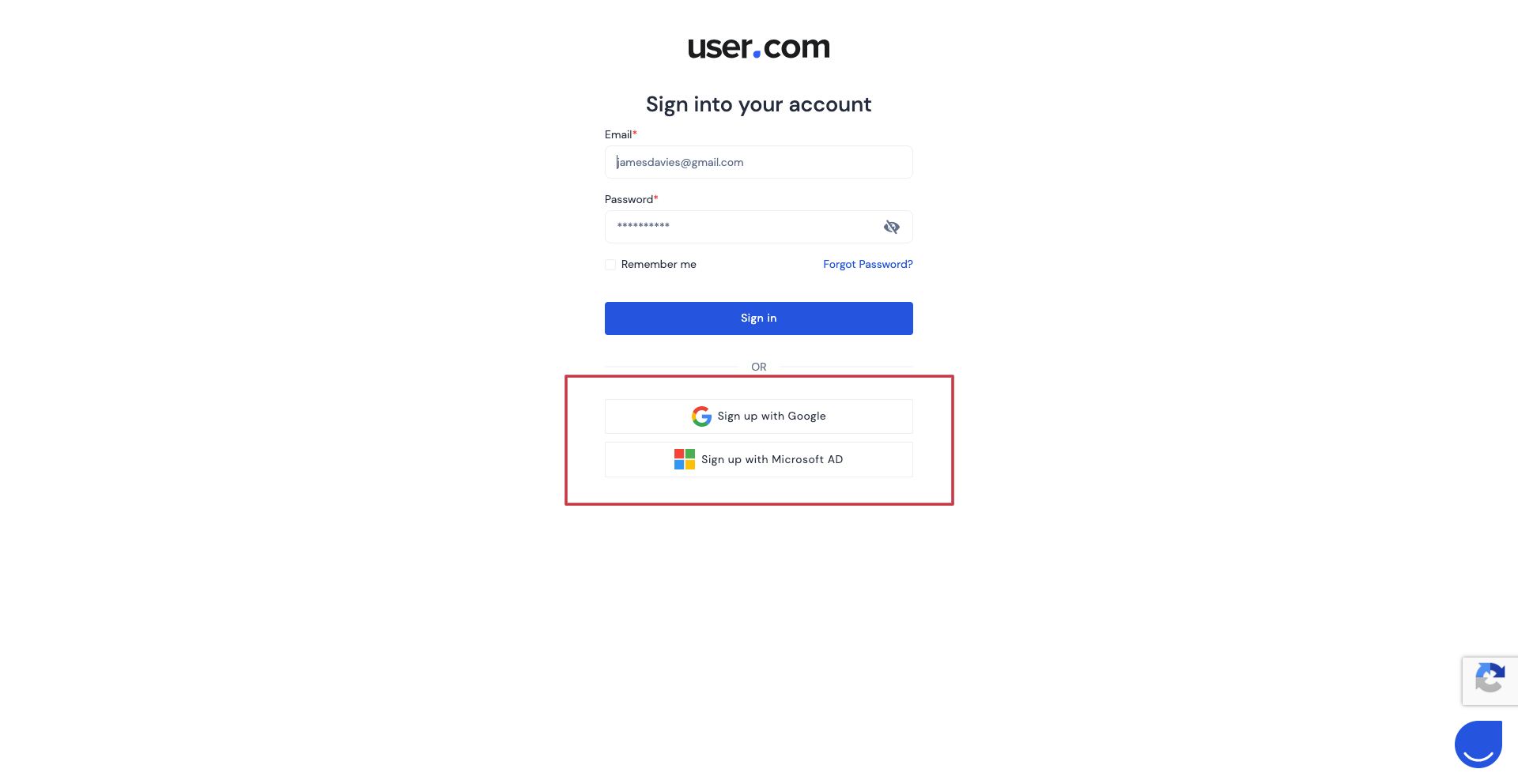
Problem: You use a standard email and password to log in, but the "password reset" link is not reaching your inbox.
Solution: If the email is not in your "Spam" or "Inbox" folders, your internal mail server may be filtering the message. Please reach out to your tech team to check the filters set for your company email inboxes. Add our email address to the trusted ones: [email protected]
Problem: When logging in from a new IP address for security reasons, the required confirmation email does not arrive.
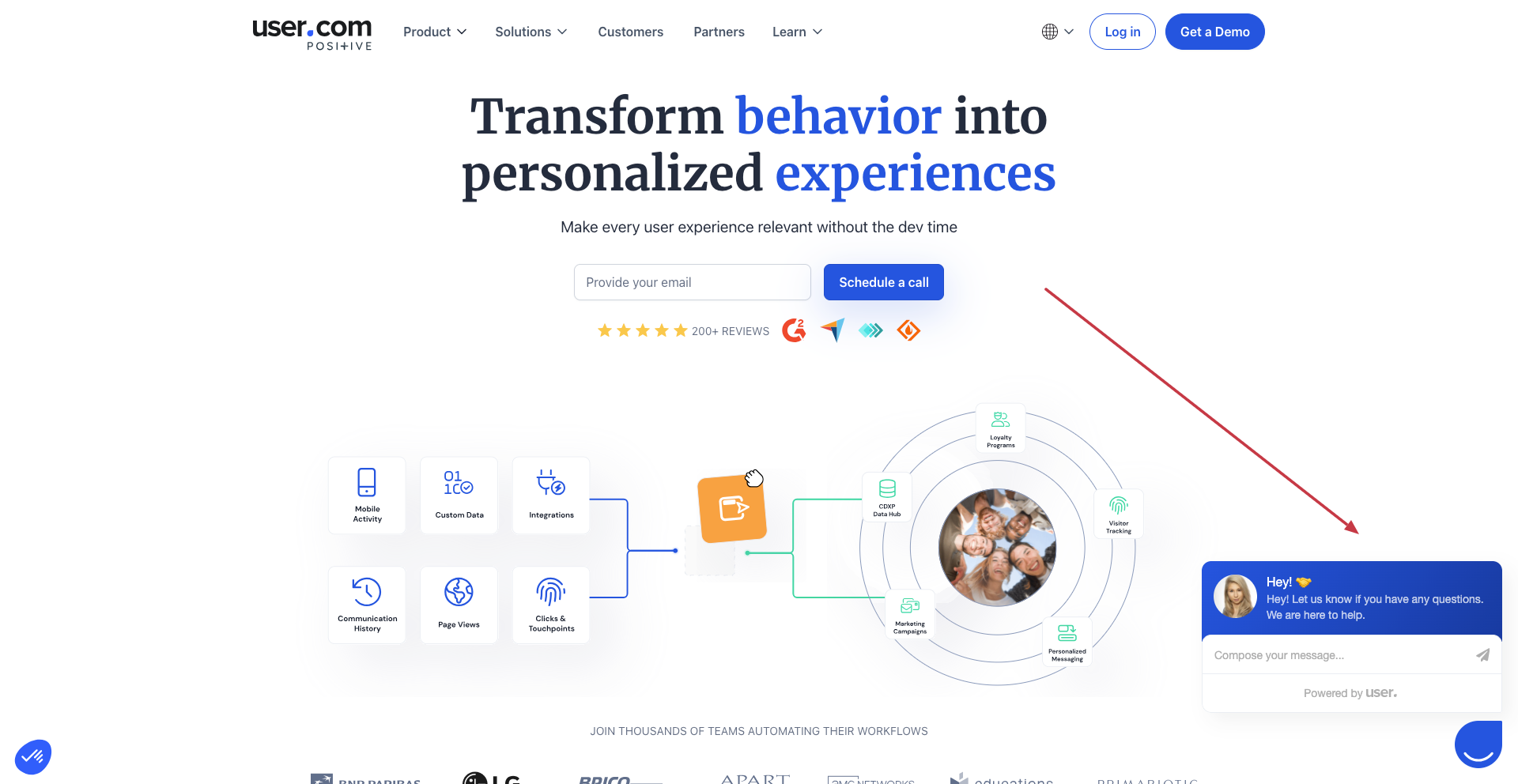
Solution: First, verify your "Spam" folder. If the email is still missing after a few minutes, please contact our support team via the chat widget on the Positive User website to verify your identity and restore access.
Problem: You lost the device where "Two-Factor Authentication" (2FA) was configured and cannot generate a code.
Solution: Please contact our support team via the chat widget on the Positive User website to verify your identity and restore the access to the workspace.
Problem: You are waiting for a 2FA code to arrive in your email inbox, but it never appears.
Solution: This often occurs because the initial security code must be generated within your chosen authentication application (like Google Authenticator). We do not allow email to become the channel of receiving 2FA tokens. If there is a problem with the app - use one of the backup codes you got after enabling 2FA in the workspace.
