Adding a profile picture is more than just a personal touch - it’s about building trust and credibility within the community. In professional platforms, a photo humanizes your digital presence, making interactions more authentic and fostering stronger connections with other users or your customers. They should trust that they are speaking a real person, not a bot.
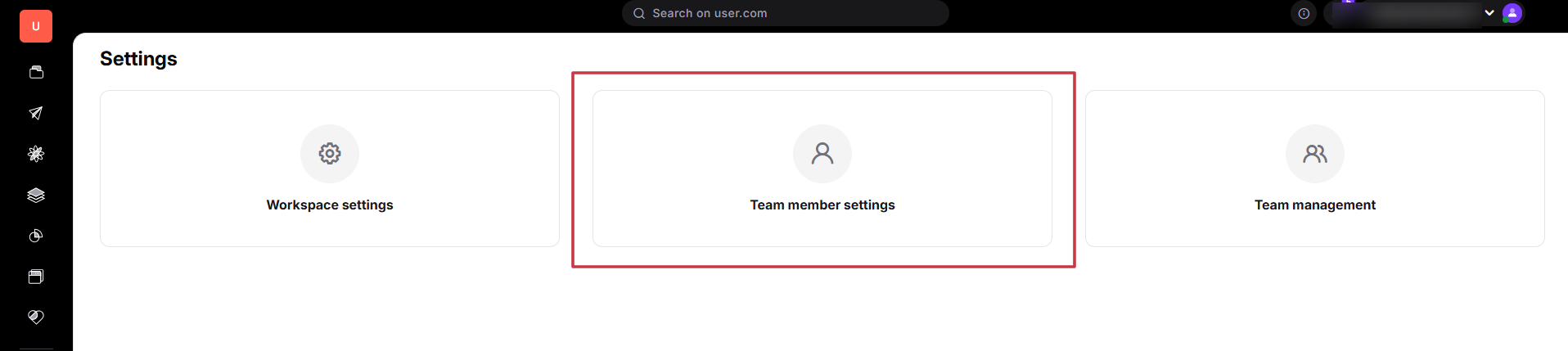
Go to “Settings” → “Team member settings”.
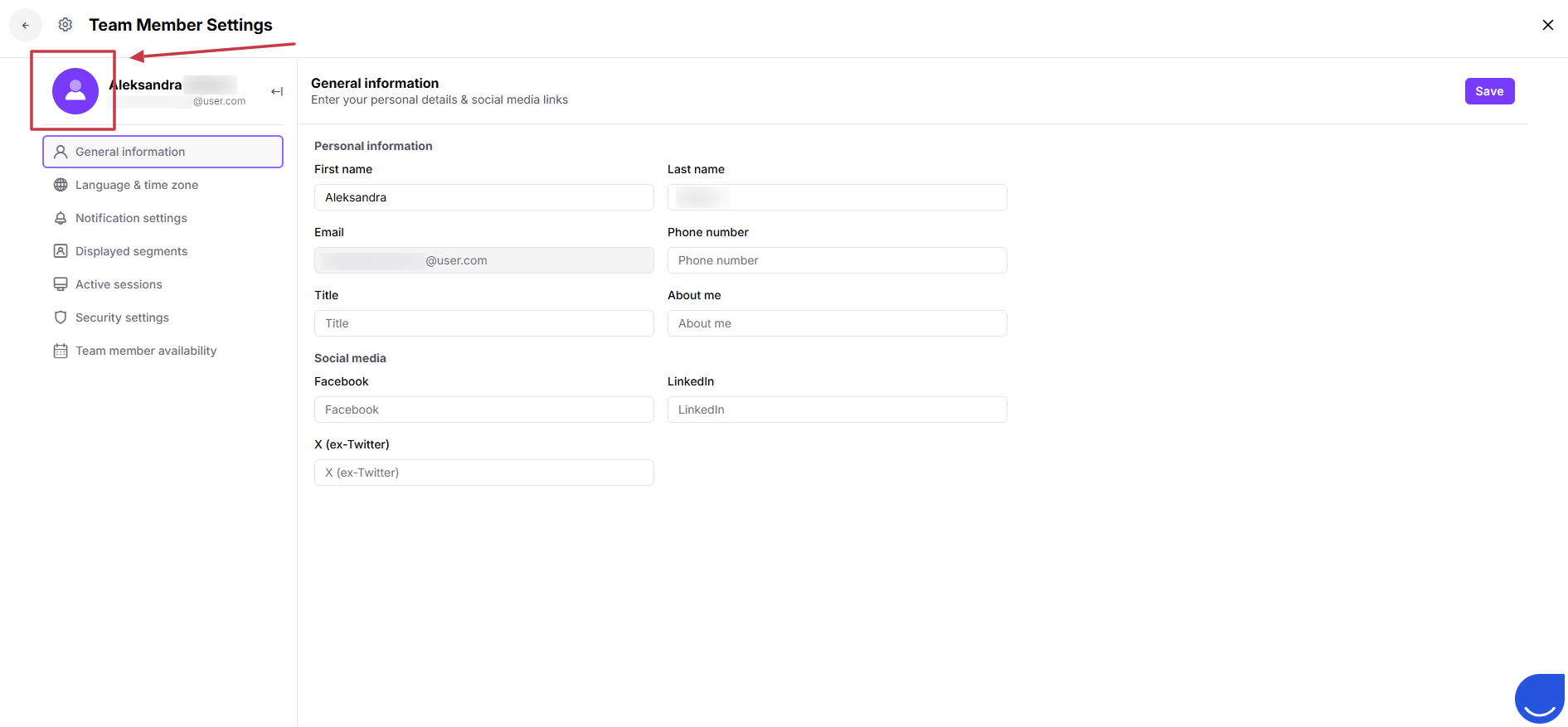
Click on the avatar field and upload your picture - no matter which tab you are in, you will always be able to click on your avatar.
Chat widget: your avatar can be visible in a chat widget to make the communication more personal.
Email messages: using creator dynamic content you can insert your avatar into the emails to be used in the footer.
