Dynamic content allows you to deliver a highly personalized experience by changing specific elements of your message based on recipient data. Modifying these components ensures that every subscriber receives information tailored to their preferences, location, or past behavior. Whether you are updating product recommendations or tweaking personalized placeholders, the ability to adjust dynamic blocks helps you maintain relevance and boost engagement without rebuilding your entire campaign from scratch.
Learn fundamentals about dynamic content from a “What Is Dynamic Content” article.
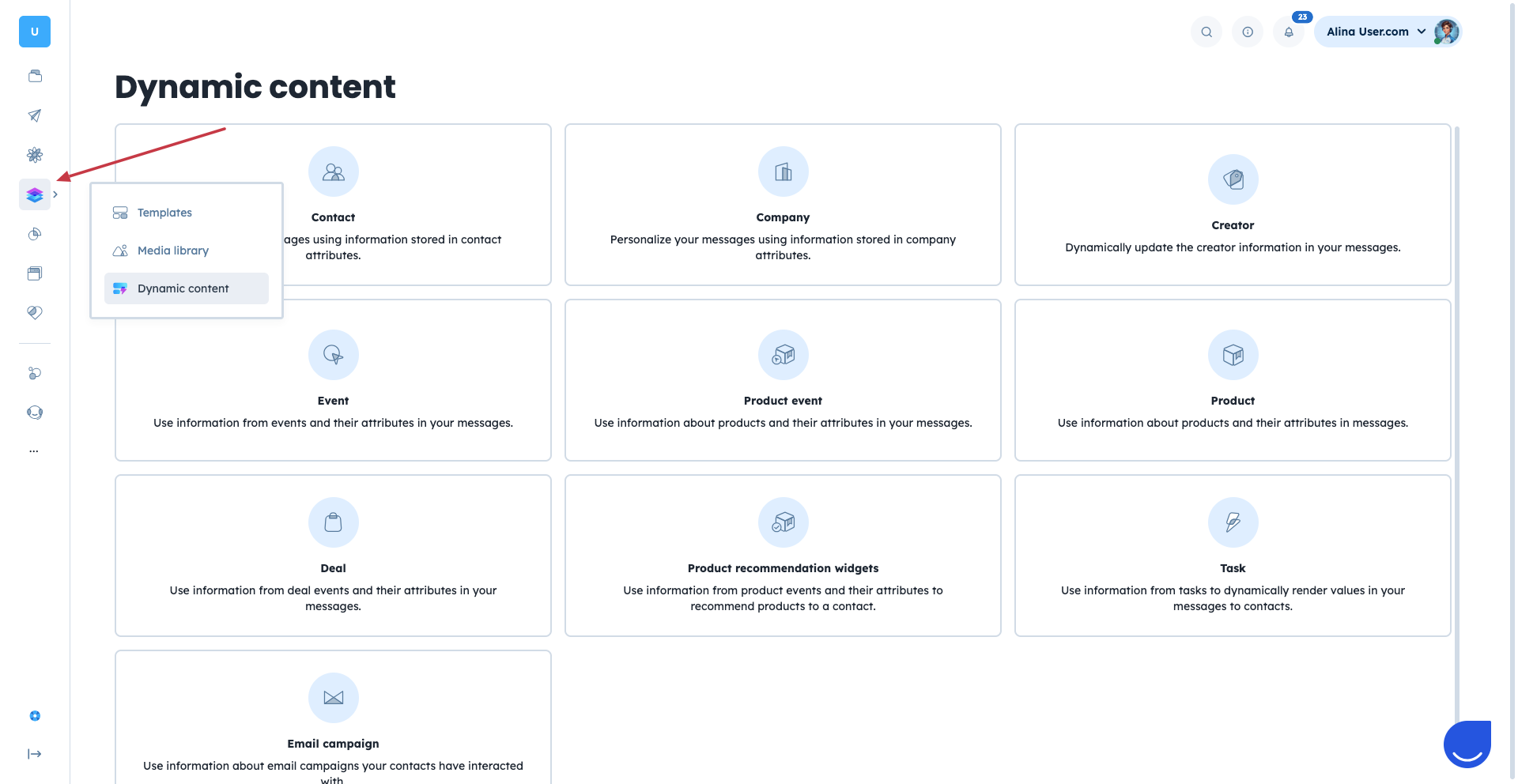
Go to “Studio”→ “Dynamic Content” and choose which tags you would like to learn about:
If you don't want to have blank spaces while using dynamic content in a greeting, you can provide a default value to make your communication flawless. Simply use {{receiver.first_name|default:"Friend" }}
In this case even if the receiver doesn’t have a “First Name” attribute filled, the greeting will show a “Friend” instead of a blank space.
List of most popular modifications is available in a “Dynamic Content” section by any type.
Example:
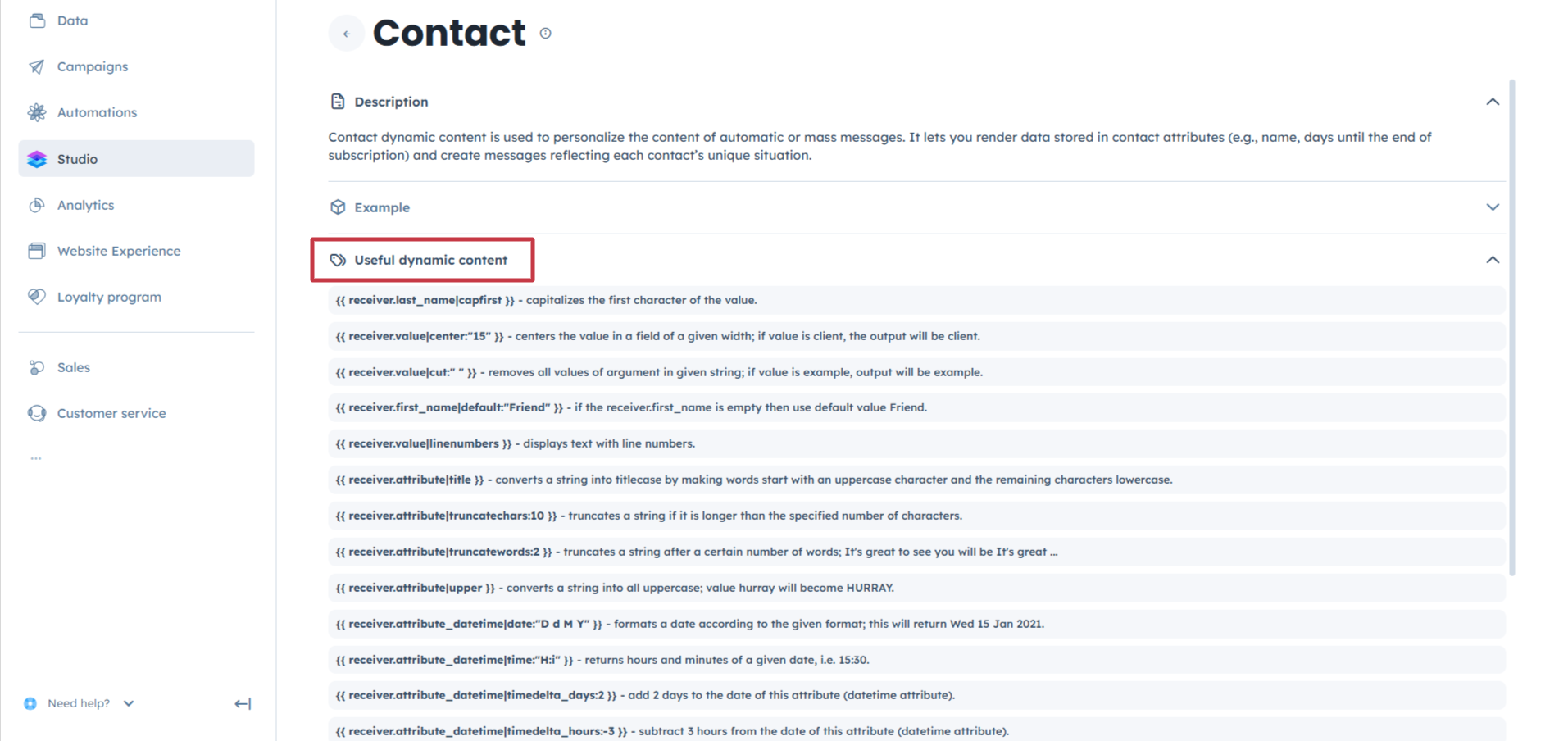
default:""Used to provide a default, fallback value if the attribute accessed by dynamic content is empty.
Example:
Hello {{ reciever.first_name|default:"Friend" }} prints “Hello Friend” when a receiver has no value for the “First Name” attribute.
cut:""Used to truncate text values or remove all occurrences of a given text.
Example:
{{ receiver.custom_attribute|cut:"-Dog" }} produces Cat when a receiver has “Cat-Dog” as a custom attribute value.
date:""Used to format date according to the provided format.
Example:
{{ receiver.trial_ends|date:"D, d M Y" }} produces “Tue, 13 Feb 2024”.
{% now "c" %}This is a special and very useful template that prints timezone aware timestamp. it can be used for automations. c argument controls the produces date format.
truncatewords:2Used to truncate a piece of text after a predefined number of words. It adds ellipsis at the end of a truncated value.
Example:
{{ receiver.product_name|truncatewords:4 }} produces “This product allows users ...” from the “This product allows users to maximize growth.” value.

