Setting the correct currency gives your team the flexibility to work in their preferred currency. In Positive User, you can define a global default for the workspace, but each team member can override this view in their personal settings to see deal values converted to their chosen currency.
Define the primary currency that is automatically applied to every new deal created in your system.
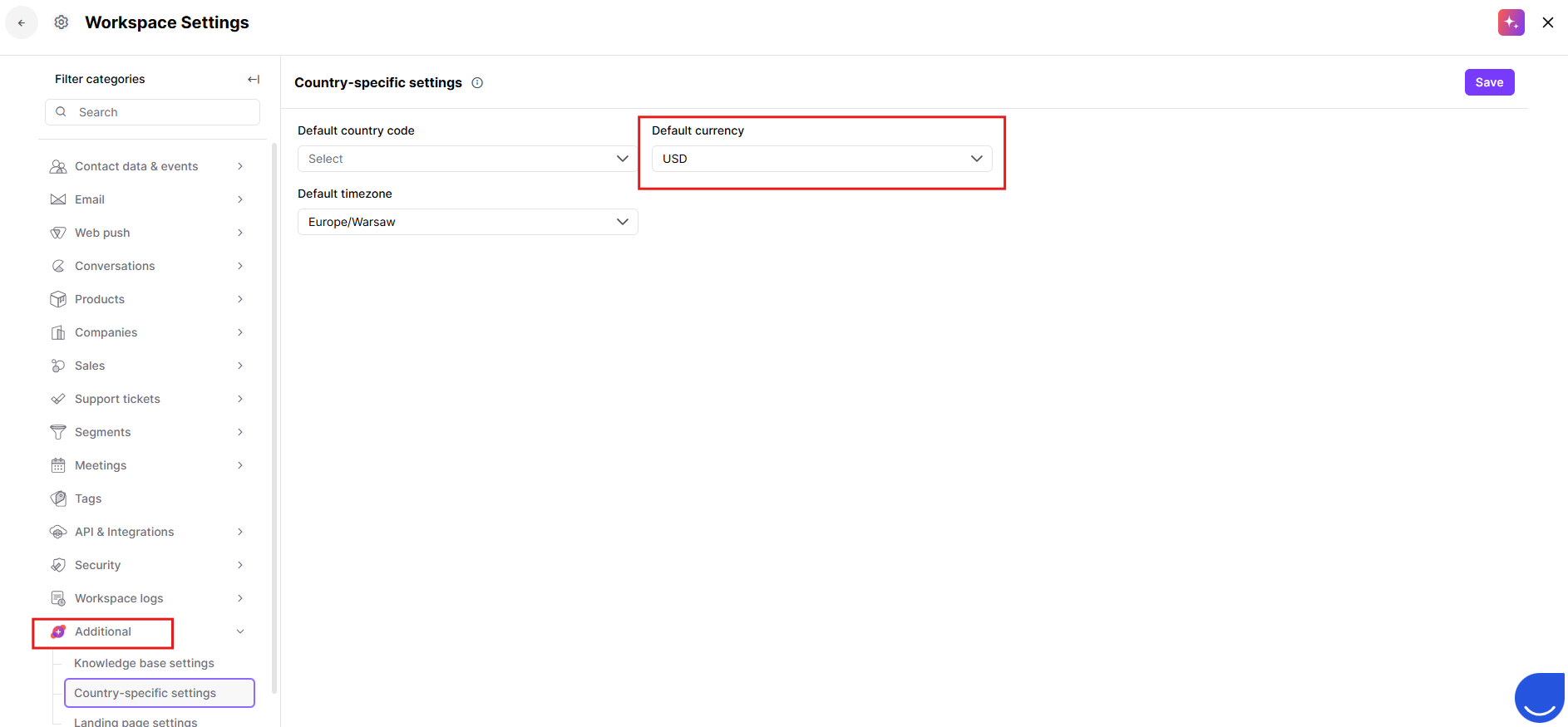
Go to “Workspace Settings” → “Additional” → “Country-specific Settings”
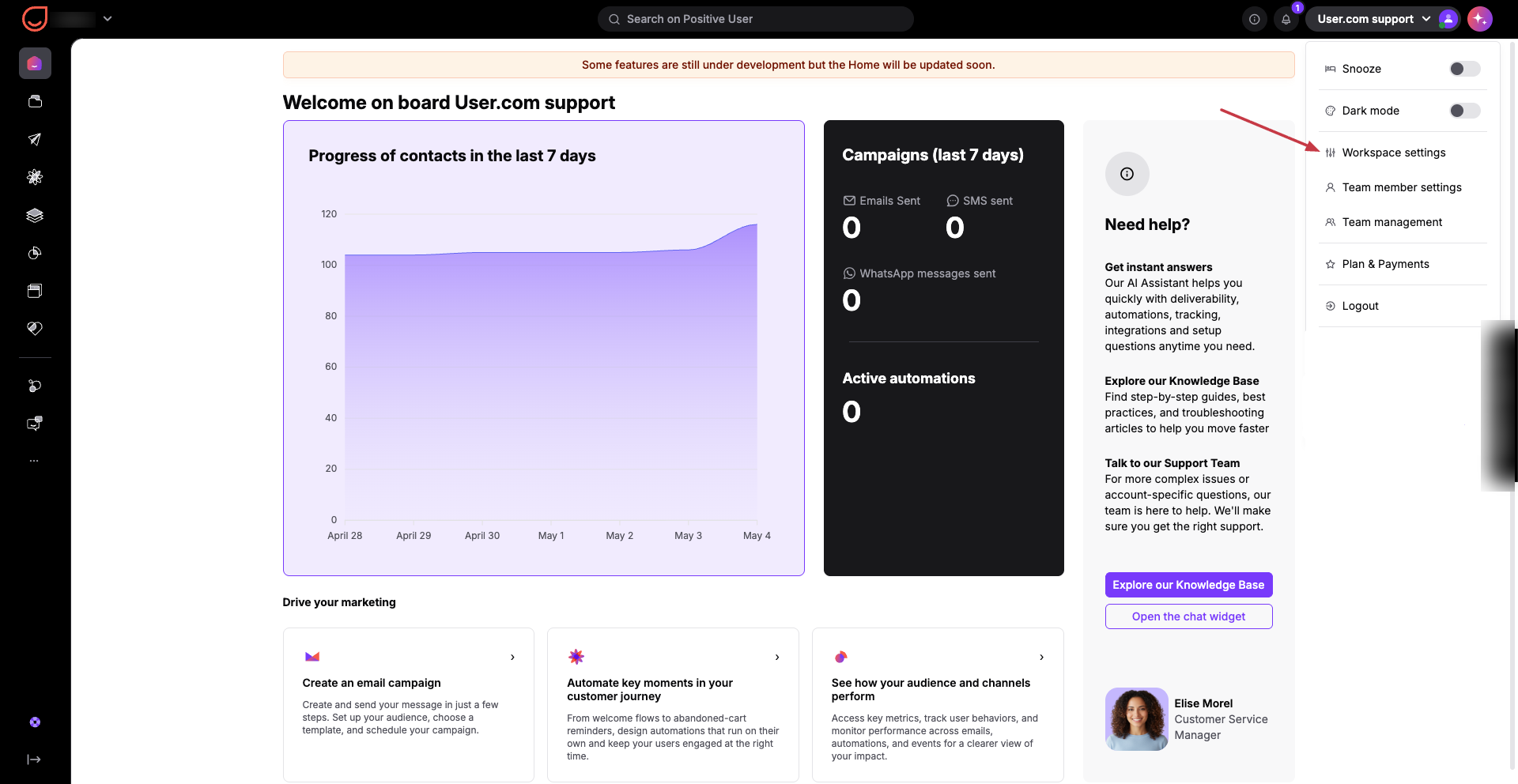
Select default currency. Locate the “Default currency” field and select your preferred currency for all deals from the dropdown. This currency will be the default choice whenever a new deal is started.
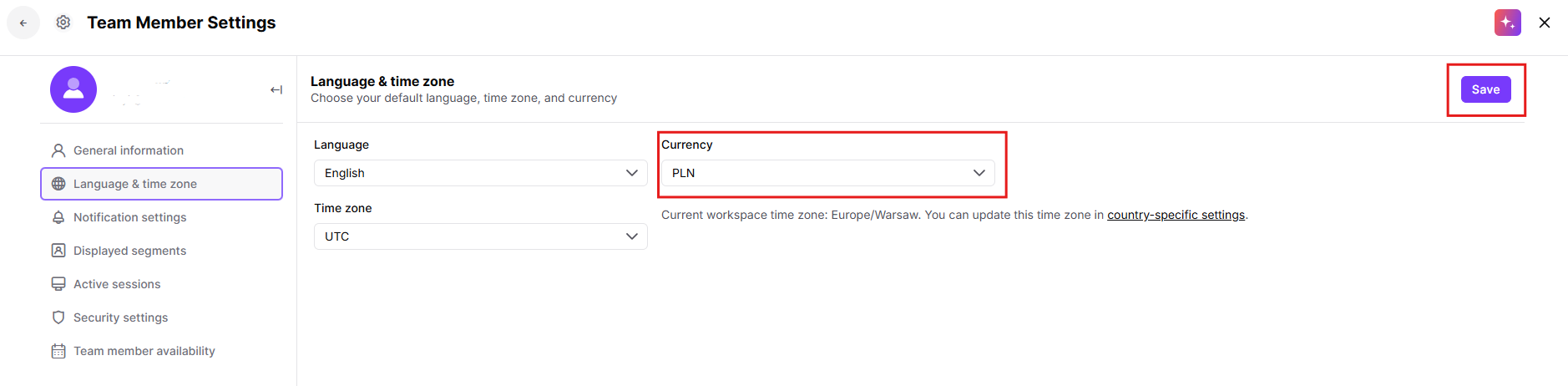
The currency set in a profile is authoritative for that specific person. If a team member has a different currency selected than the workspace default, Positive User will automatically recalculate and show deal values in chosen for that team member currency. For example, if the workspace default currency is USD but a team member sets their currency as EUR, they will see deal values automatically converted to EUR in the sales pipeline.
Go to “Team Member Settings” → “Language & time zone”
Locate the “Currency” field and choose the currency you want to see when browsing the sales pipeline and clik Save button in the top-right corner.
Beyond the initial setup, you can control the base currency of a deal on a case-by-case basis.
Manual Adjustments: You can manually change the “Currency” attribute for a specific deal within the deal form during creation or editing.
Automated Deals: When using the “Create a Deal” module in an automation, you can specify in which currency should be create that specific deal.
API Integration: You can programmatically set or update the currency for any deal by sending the relevant currency code through the Positive User API - API documentation.

International Sales Teams: A global manager keeps the workspace default currency in USD for consolidated reporting, while a team member in London sets their profile to GBP to see their local performance clearly.
Multi-Market Automations: Use an automation to create deals in EUR for contacts based in Europe, regardless of what the global workspace default is.
