Creating events with JavaScript is one of the most popular and flexible ways to track contact behavior in User.com. You can use it to record clicks, purchases, form submissions, or any other important action taken on your website. These events can then power automations, segments, analytics, and personalized communication.
If you want to understand the concept behind events first, see: What is An Event. [LINK]
You can create an event by binding it directly to an action on your website, such as clicking a button. When the action happens, the event is sent to User.com.
Example:<a href="#" onclick="userengage('event.name_your_event_here')">CLICK ME!</a>
You can enrich events by adding attributes [LINK] as a second parameter.
Example with one attribute:<a href="#" onclick="userengage('event.name_your_event_here', {'price': '10'})">CLICK ME!</a>
If you need to send more attributes, pass them as an object.
Example with multiple attributes:<a href="#" onclick="userengage('event.name_your_event_here', {'sku': '7', 'size': '39', 'color': 'teal', 'price': '39'})">CLICK ME!</a>
Before sending events with attributes, make sure all event attributes are created in User.com with the correct attribute types. Otherwise, all incoming attributes will be treated as strings (except JSON). This may limit filtering options and decrease automation possibilities.
Check an instruction on how to create attributes. [LINK]
Example:<a href="#" onclick="userengage('event.purchase_details', { 'sku': 7, 'size': 39, 'color': 'teal', 'price': 39 })"/>
In this example, only “color” is a string. The remaining attributes are sent as numbers, matching their intended types.

Below you can find all possible event attribute types, along with descriptions and examples.
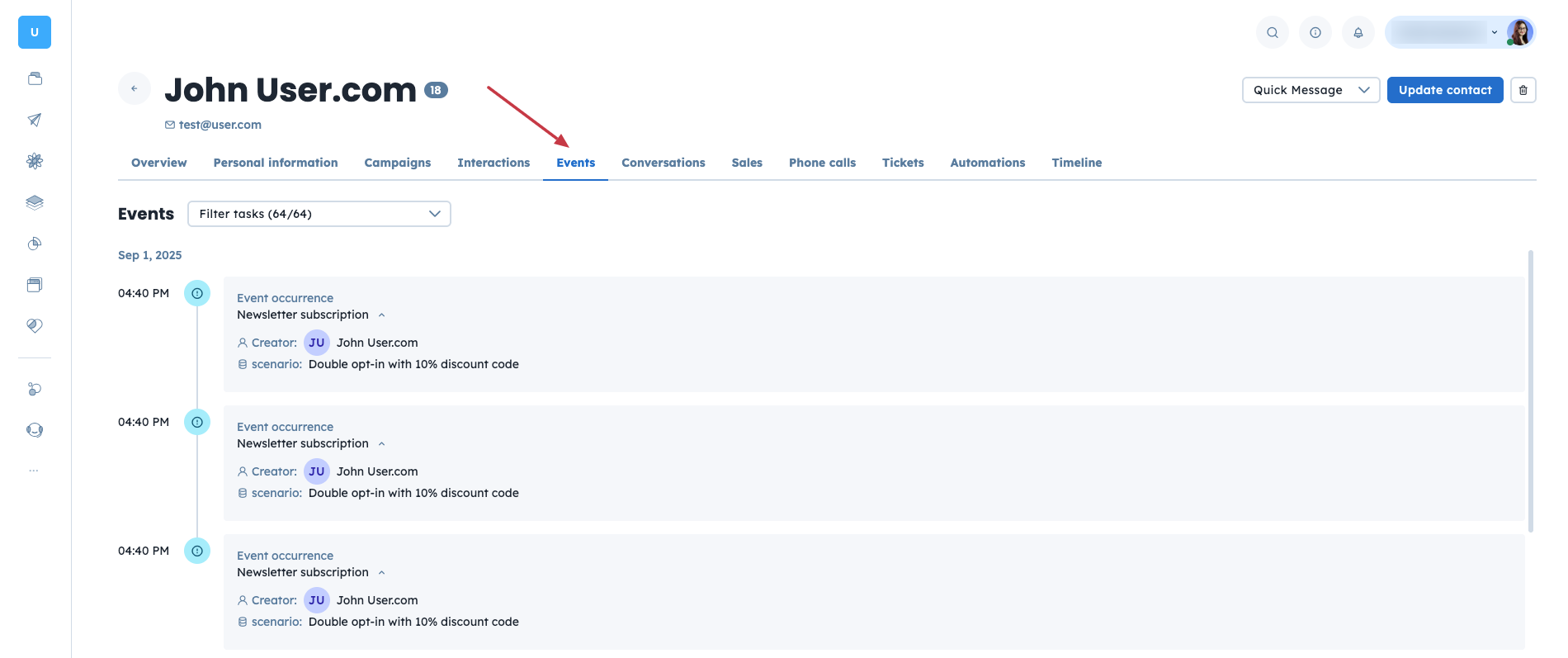
Once you send data to the User.com application, you can check the data in two places:
Contacts Profile (in the “Events” section)
Settings → Workspace Settings → Events (click on the event name to check the logs)
Example:
What is an Event
How to Render Event Data
How to Create Product Events