Building a strong relationship with your audience requires sharing the right message at the perfect moment. Pop-ups give you a direct way to grab attention, share important updates, and gather contact information without disrupting the browsing experience.
By using pop-ups in Positive User, your team can match your website messages with your wider marketing strategy. This ensures every pop-up feels relevant to the person seeing it, helping you turn casual website browsing into meaningful business outcomes.
Pop-ups in Positive User can take on various design forms and layouts depending on your brand's style. However, based on their primary business goal, they are divided into two main groups:
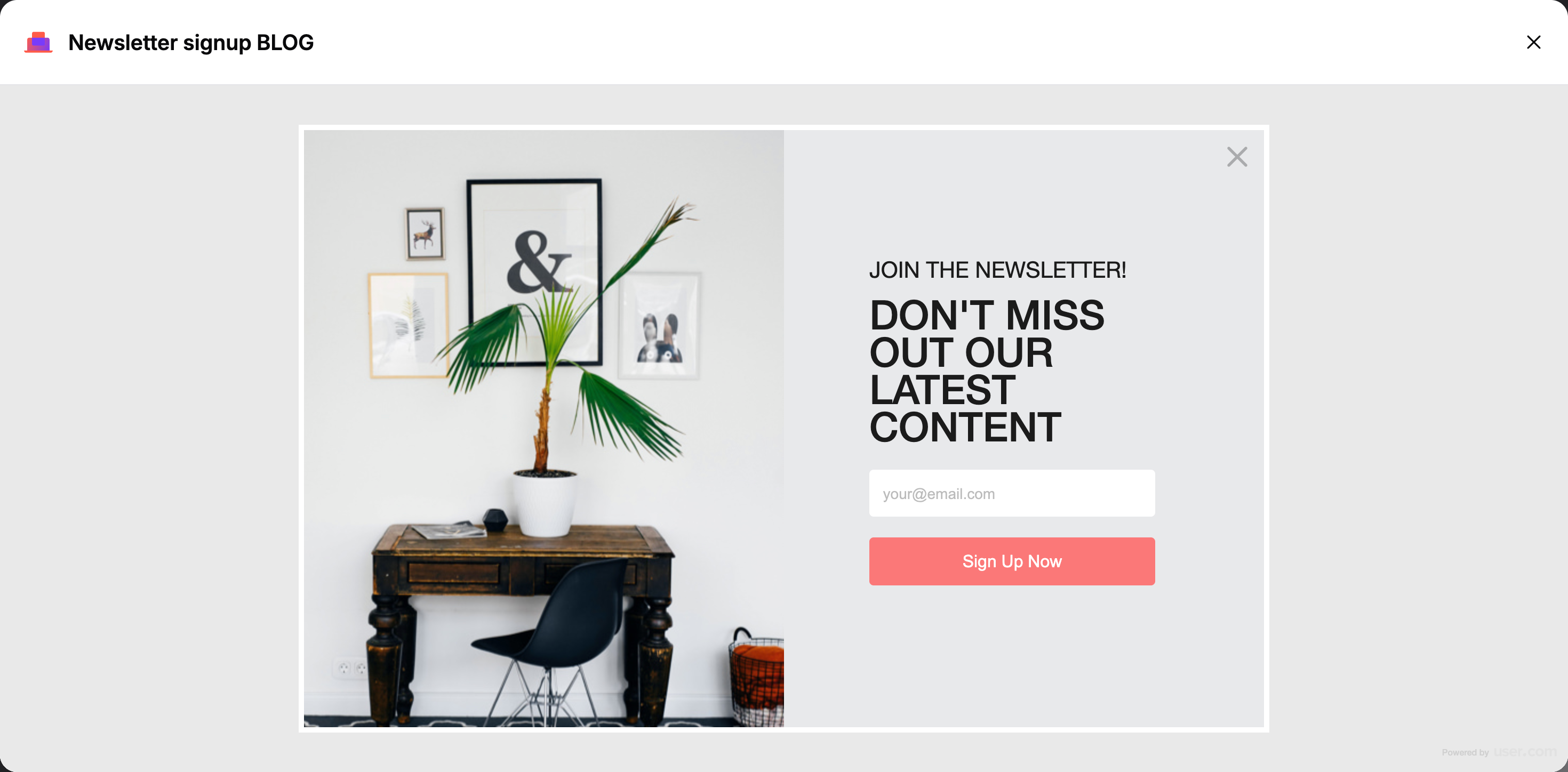
These layouts are designed to capture details. They allow contacts to leave their personal information in exchange for something valuable, like an ebook, newsletter subscription, or discount code. Business Value: Helps grow your database, generates qualified leads, and turns anonymous contacts into known profiles you can nurture.
Examples:
Newsletters: Gather email addresses from engaged readers directly on your blog pages.
Birthday campaigns: Collect birthdates from customers so you can automatically send them special rewards on their birthday.
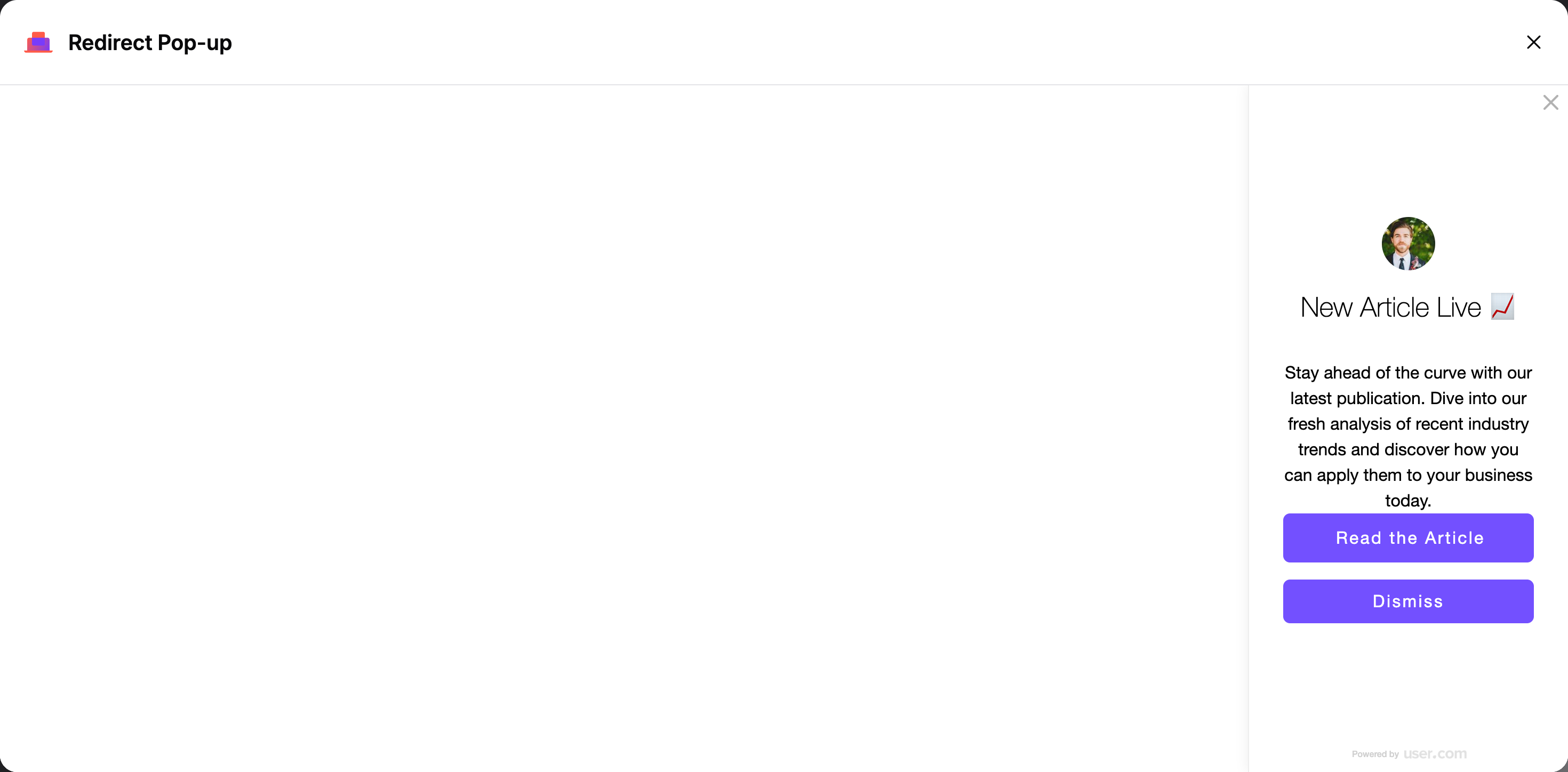
These layouts do not include any input fields for people to fill out. Instead, they feature a clear redirect button designed to bring the contact to a destination page. Business Value: Drives immediate traffic to high-value pages, such as new product announcements, flash sales, or webinar registration pages.
Examples:
Classic redirects: Send visitors directly to a newly launched collection or a landing page.
Call backs: Guide interested leads straight to a scheduling tool to book a meeting with your team.
Promotional counters: Display time-sensitive countdown timers alongside a link to create urgency for a sale.
Your team can build these widgets using two distinct approaches depending on your technical comfort level:
Simple Builder: You can to pick a pre-designed template and quickly customize its appearance without any technical work.
Code Editor: Create pop-ups from scratch or from one of the existing templates by working with the HTML code directly.
More details: “How to Create a Pop-up”

Pop-up Forms: You want to expand your weekly newsletter subscriber list. You can set up a pop-up form that appears after someone spends 30 seconds reading your blog, offering them a free marketing guide in exchange for their email address.
Redirect Pop-ups: You are running a seasonal flash sale and want maximum visibility. You can design a redirect pop-up with a bold promotional announcement and a single "Shop Now" button. When clicked, it brings the contact to a destination checkout page to complete their purchase.
“Show a Pop-up” Action Module Guide [LINK]
