Deleting a workspace in Positive User is a serious action. If you choose to remove your workspace, you will lose access to your entire database, including contacts, companies, conversations, campaigns, automations, and analytics. You will also no longer be able to export any data, download invoices, or recover information from the app after deletion.

Only admins of the workspace have the permission to delete it. If you see no "Workspace settings" under the “Settings” menu, it means your access level is not enough to proceed with the action.
Please, contact one of the admins from your team to change your access level or manage the task.
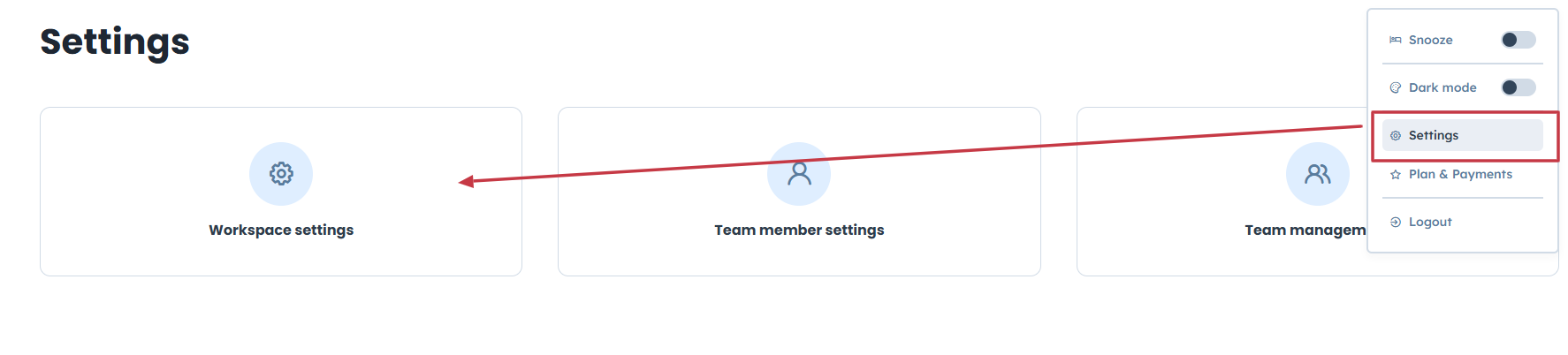
Enter “Settings” → “Workspace settings”
Then find “Delete workspace” on the bottom.
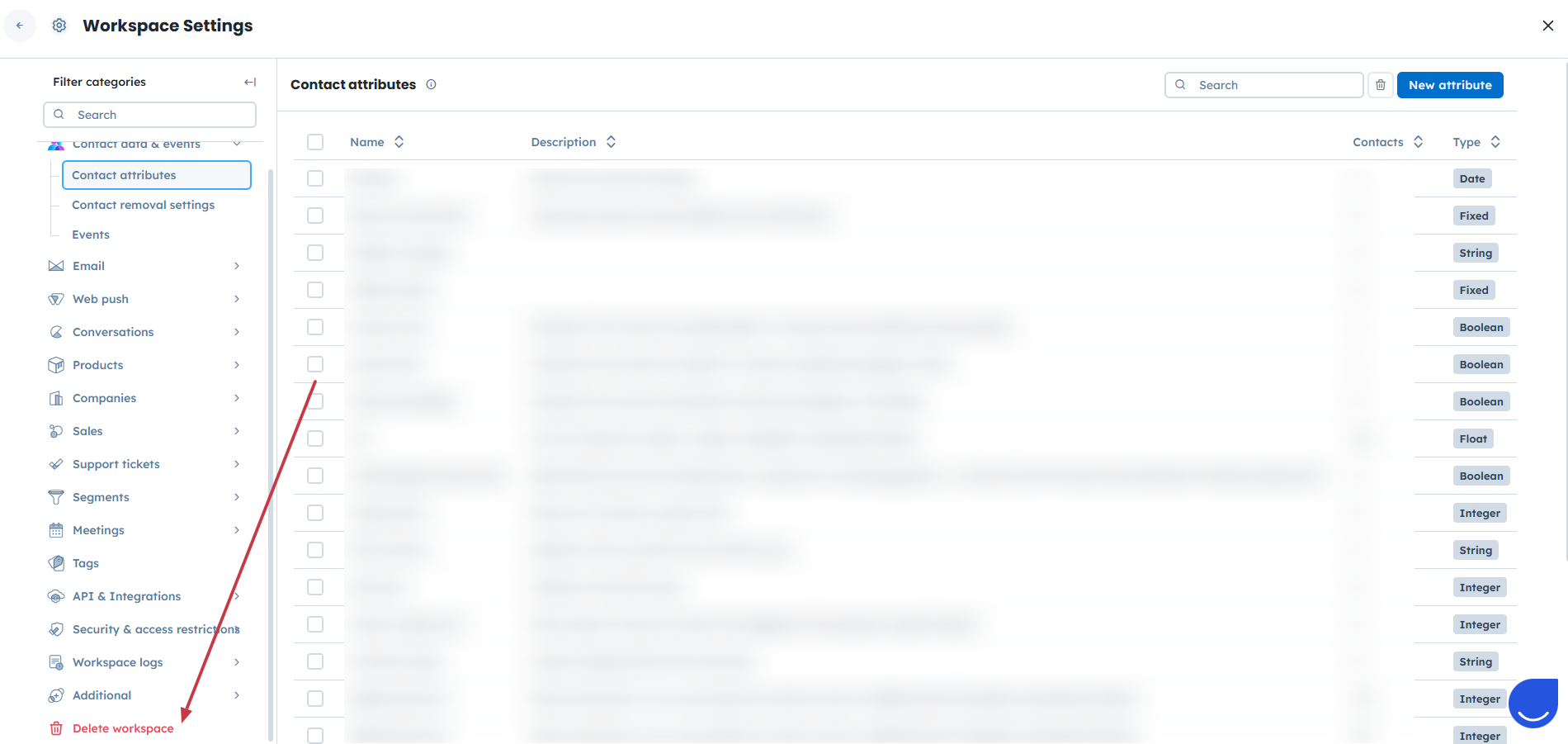
Click on it and click on "Delete workspace" button
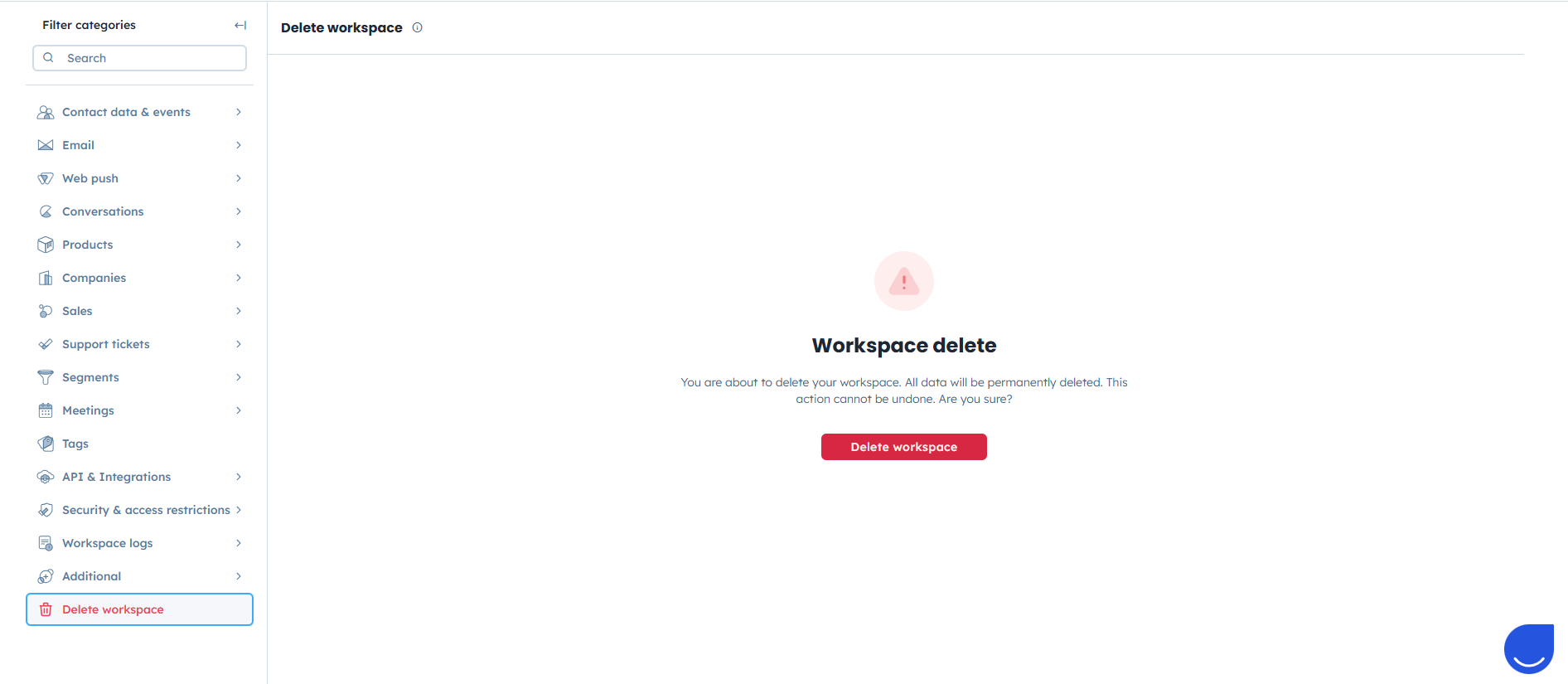
Confirm the action by filling the form with the reason and your feedback. (Positive User team appreciates this a lot, as it helps to improve the product and services).
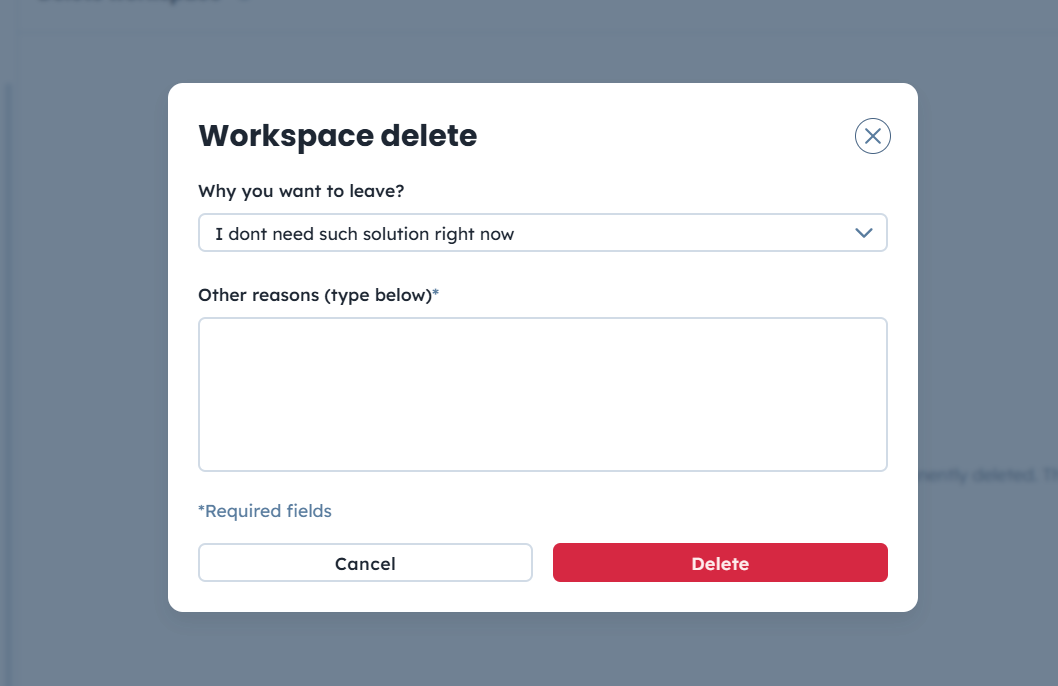
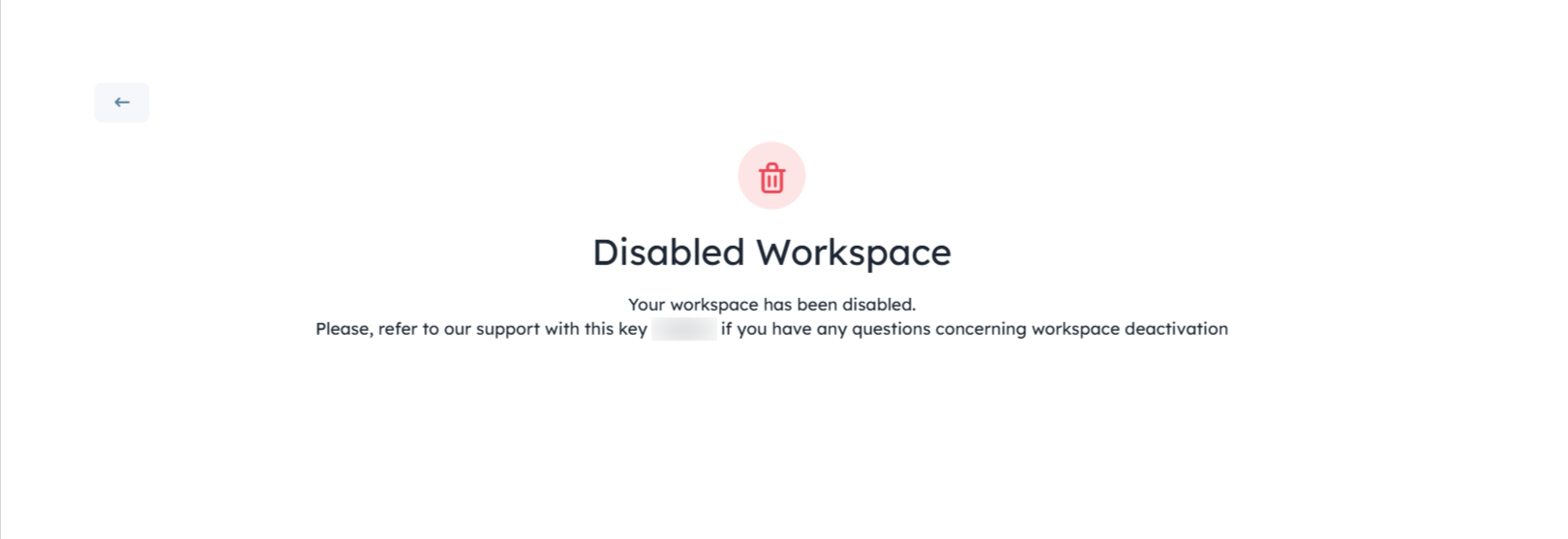
Now your workspace is deactivated. Soon it will be fully deleted by the automated task.
How to Choose a Subscription Plan
