In Positive User, your team uses credits to power outgoing communications. Understanding how to manage these balances ensures your marketing remains active and your messages land in the right inboxes without interruption.
Positive User provides a clear view of your usage within your account settings, allowing you to top up whenever your volume runs low.

In every section you can find the info about credits left:
“Campaigns” → “Email”
“Campaigns” → “SMS”
“Campaigns” → “WhatsApp”
Also, you can check your credits in a dedicated section of the app. Go to “Settings” → “Plans & Credits”.
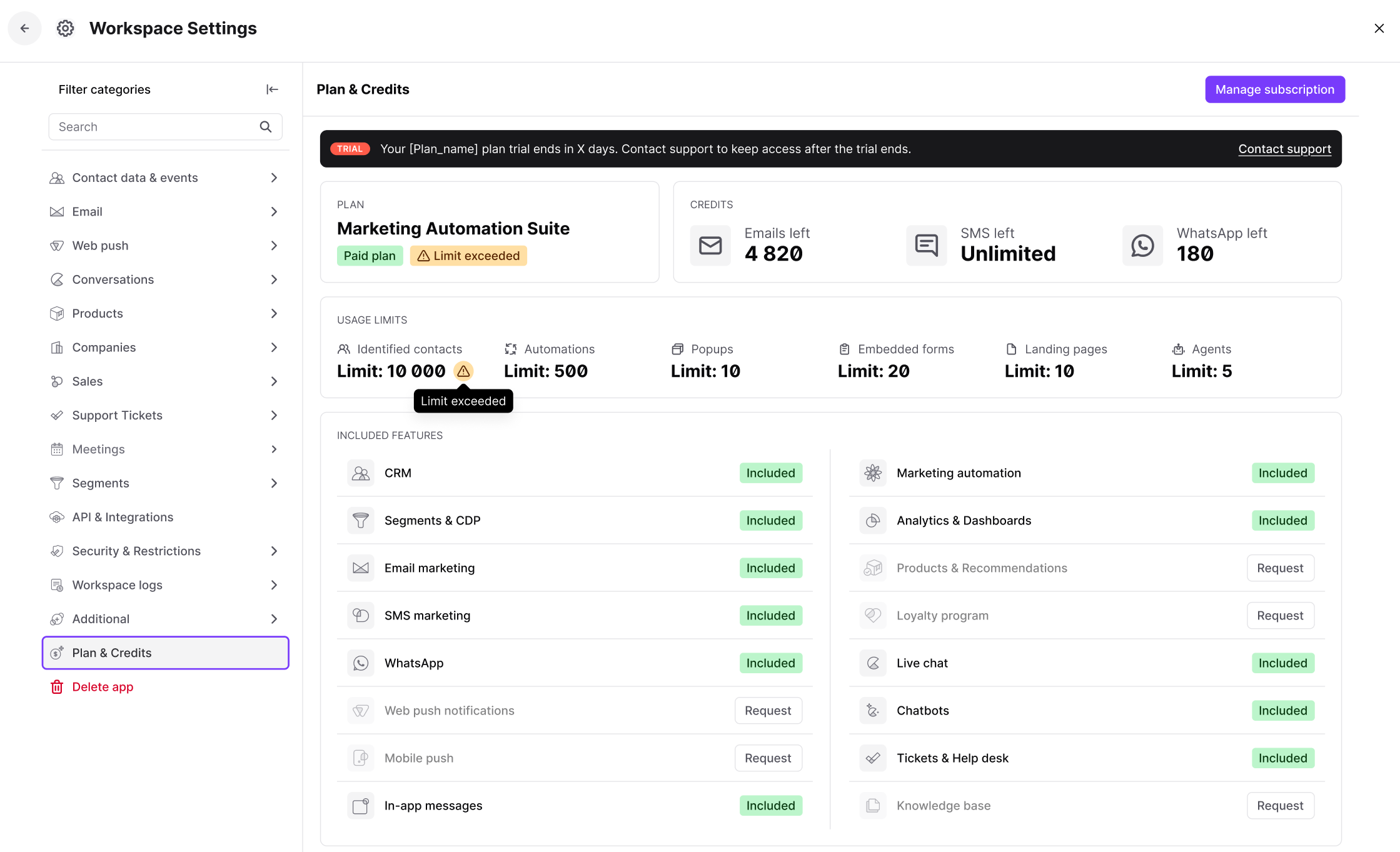
Quota currently corresponds to 4 times the number of contacts included in the monthly offer. At the start of each period, the subscribed volume is reset.
If you want to purchase additional email credits, you can choose between a recurring package and a one-shot package (depending on your subscription plan).
To request an additional package of email credits you need to contact our Sales representative.
For most SMS integrations, you do not need to purchase extra credits directly from Positive User.
Standard Providers: You pay your SMS provider directly through their own panel, similar to how an external SMTP works for emails.
CM.com Integration: If you use the CM.com integration, you must purchase SMS credits directly within Positive User. To do this, please contact our Sales representative.
While you buy credits directly from Meta for WhatsApp, Positive User applies platform-specific sending quotas. Even if your Meta balance is high, your Positive User plan (e.g., the "Campaigns" plan) may limit you to a set number of messages per month.
