Campaign statuses help you understand how your communication is prepared, controlled, delivered, and maintained over time. In User.com, each campaign moves through a lifecycle and can be in a Draft, Active, or Archived state. Knowing the difference is essential for planning communication, updating campaigns, and ensuring that no message is sent earlier than intended while also keeping your workspace organized.
Campaign statuses indicate whether a campaign is being prepared, is finalized for sending, or is no longer in use. A Draft Campaign is editable and safe for internal review. An Active Campaign is locked for major changes and ready to send - either immediately, on schedule, or when triggered through an automation. An Archived Campaign is no longer active or editable and is stored for reference, record-keeping, or historical reporting.
Campaign statuses appear inside each campaign’s profile and in the Campaigns section of the app. They help you quickly recognize which campaigns are still in preparation, which are in use, and which have been retired.
Campaign statuses appear inside each campaign’s profile and in the Campaigns → Email section of the app. They help you quickly recognize which campaigns are still in preparation, which are in use, and which have been retired.
There are three statuses:
Draft campaigns are saved but not yet activated. They allow complete editing freedom - including the name, type, recipients (in one-time campaigns), content, and sender. Drafts are perfect for preparation, internal approval, or testing scenarios.
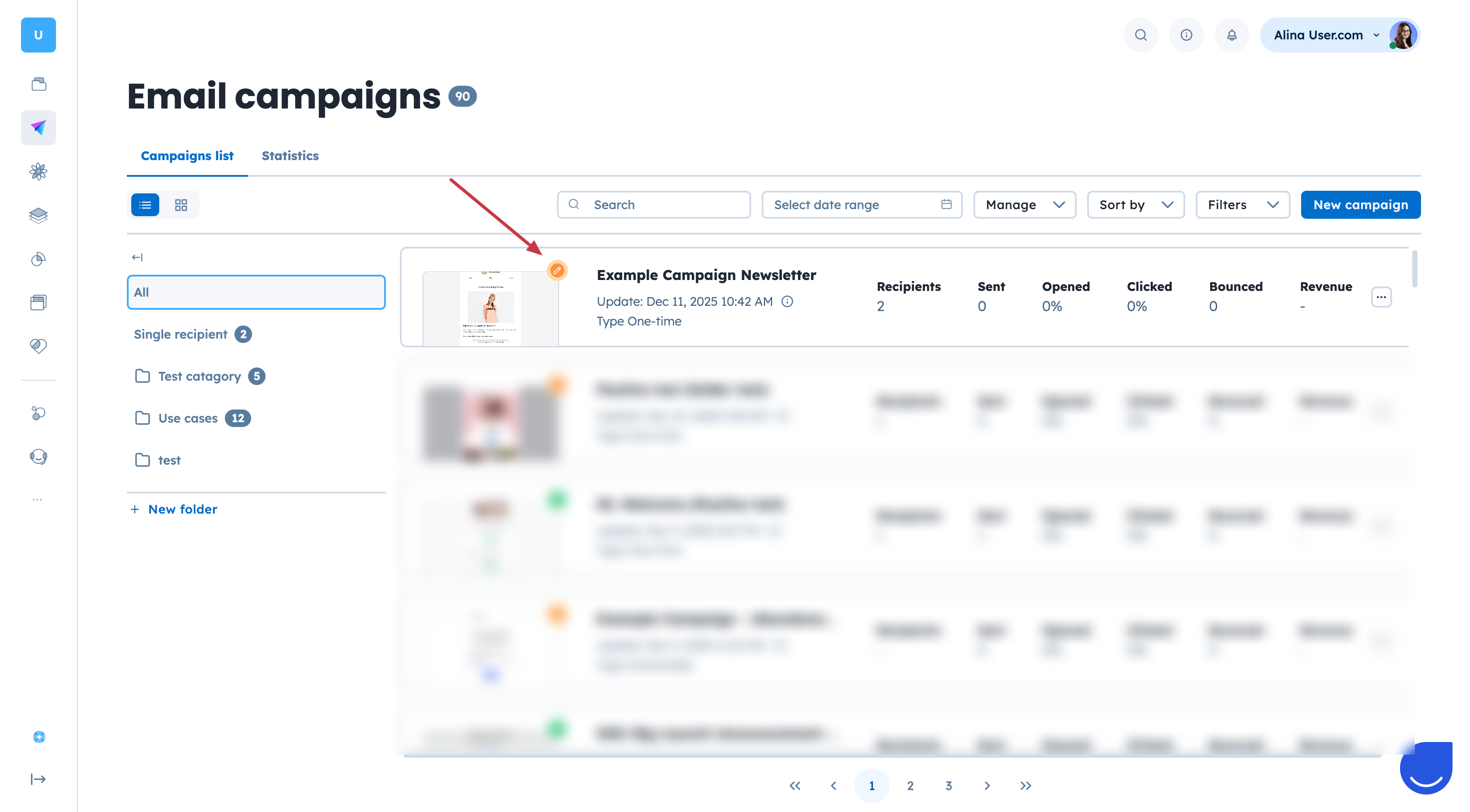
You can identify them by an orange dot near the name of the campaign.
Active campaigns have been finalized and are either scheduled or already sending. Most settings are locked to ensure message integrity and smooth delivery.
Main characteristics:
The campaign cannot be fully edited anymore.
The only element you can still update is the email message content.
The campaign can already be used in the automation flows.
To stop the delivery, you need to revoke the campaign (option available inside the campaign profile).
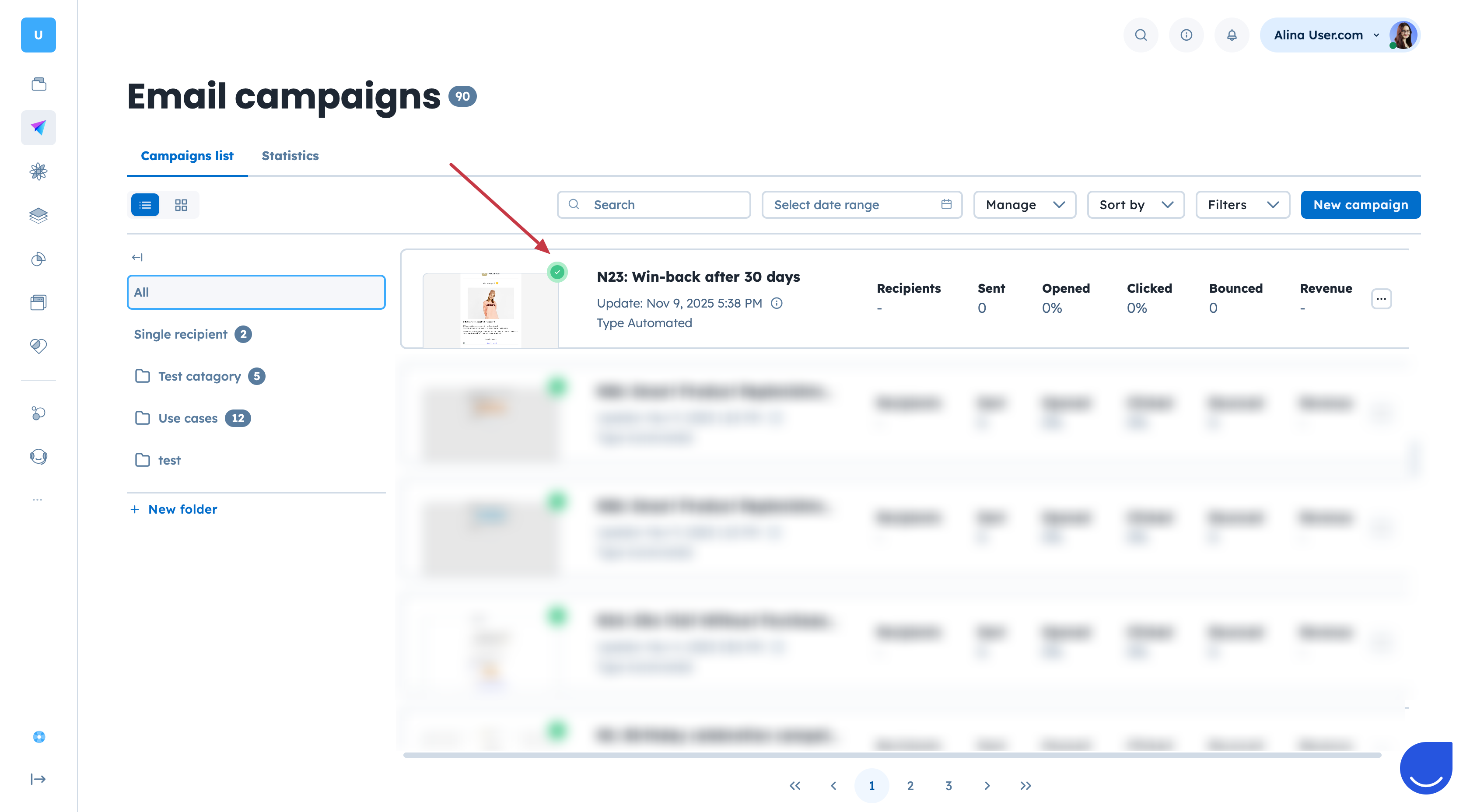
You can identify active campaigns by the green dot near the name.

Archived campaigns are no longer active and cannot send messages. They are removed from operational views but remain accessible for reference, auditing, reporting, or compliance purposes. Archiving is the recommended way to retire campaigns that are no longer needed, especially when they were previously used inside automation workflows.
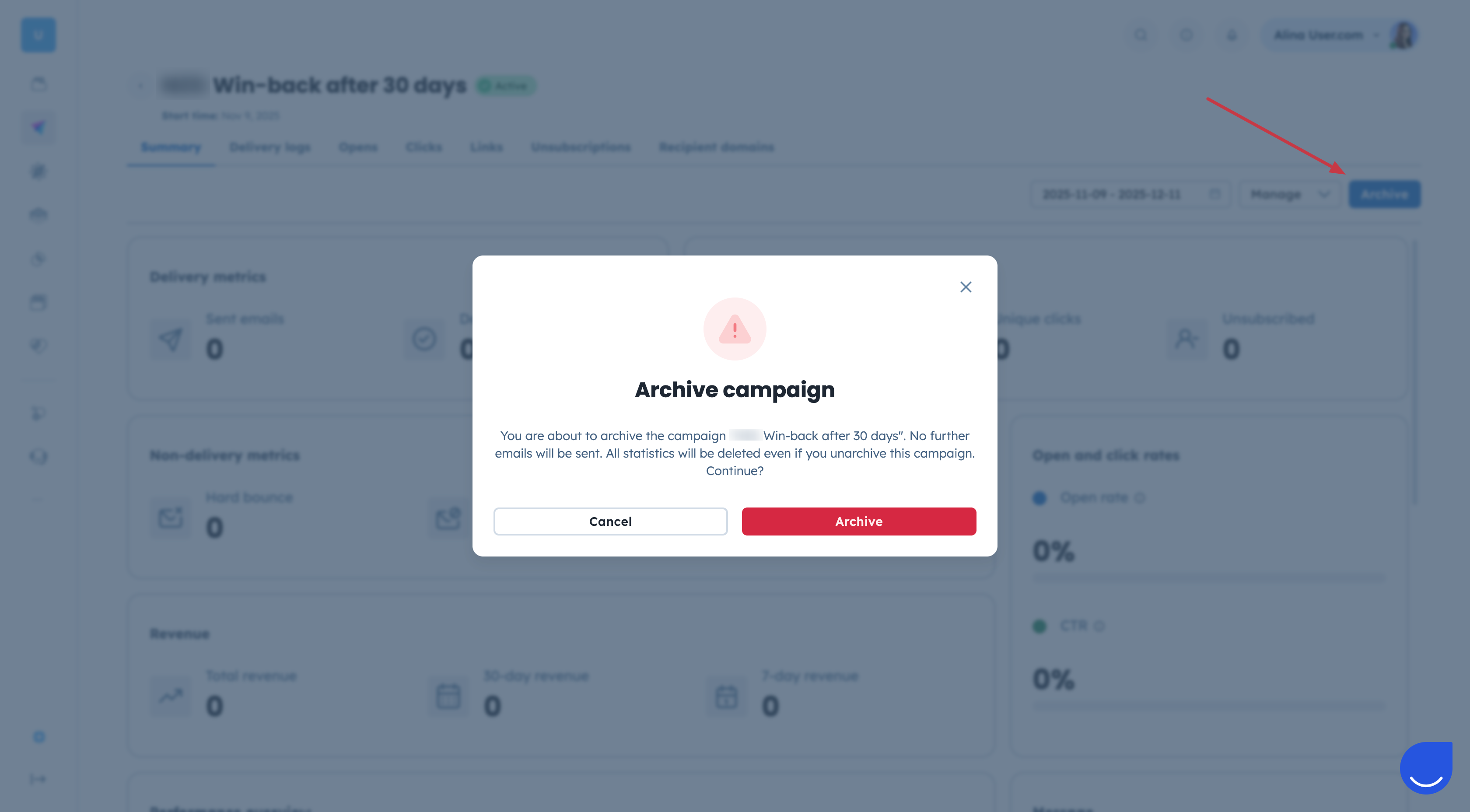
To archive a campaign you need to enter the email campaign profile and click the “Archive” button in top right corner. Then you need to confirm your action.
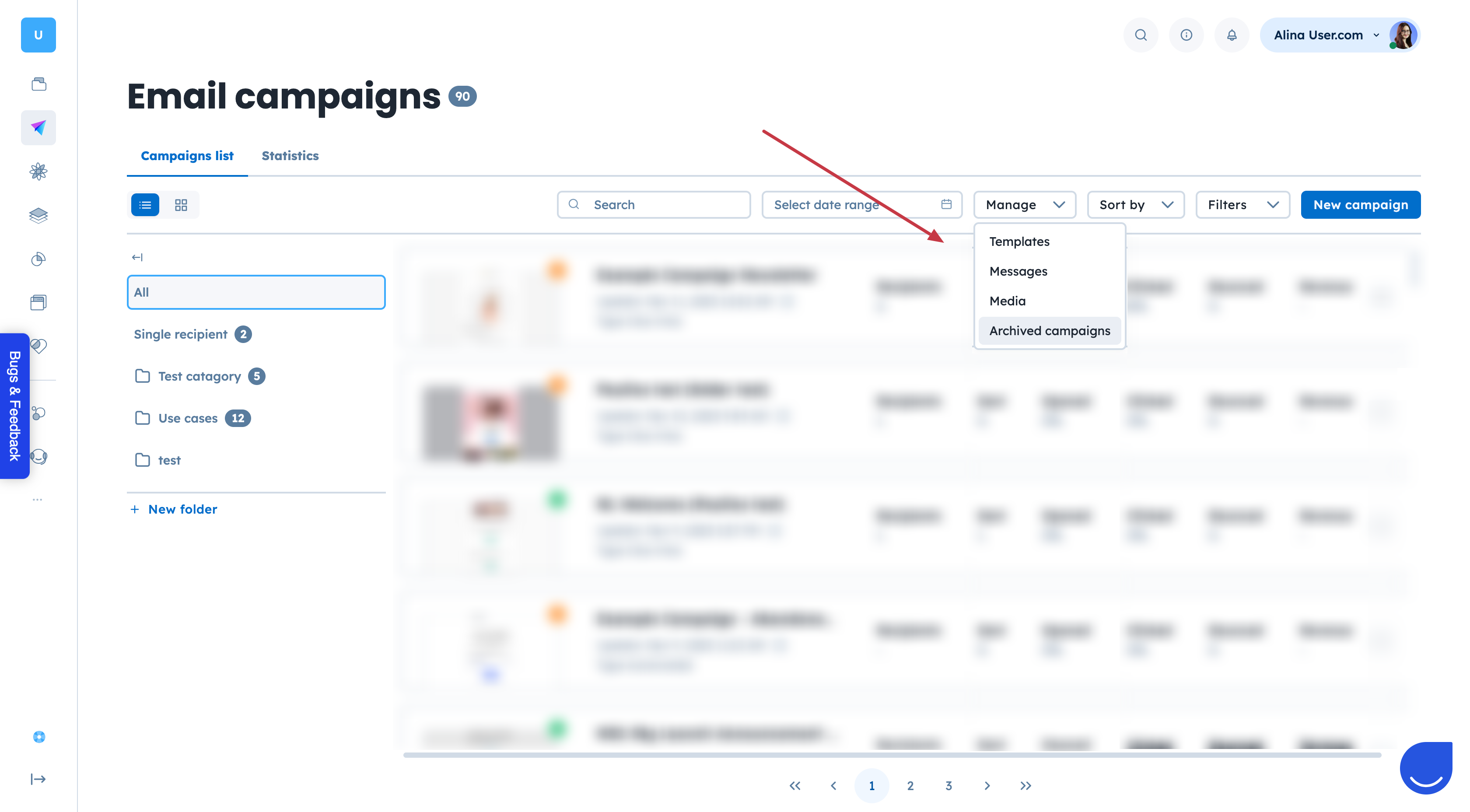
To find all archived email campaigns go to Campaigns → Email → Manage → Archived campaigns.