Positive User allows every team member to work in their own way by providing individual language settings. Instead of a global setting for the entire workspace, you can choose the language that works best for you. This helps you navigate the platform and understand every menu clearly. This change is private to your account and won't affect what your colleagues see.
Follow these steps to change the language you see when using the app.
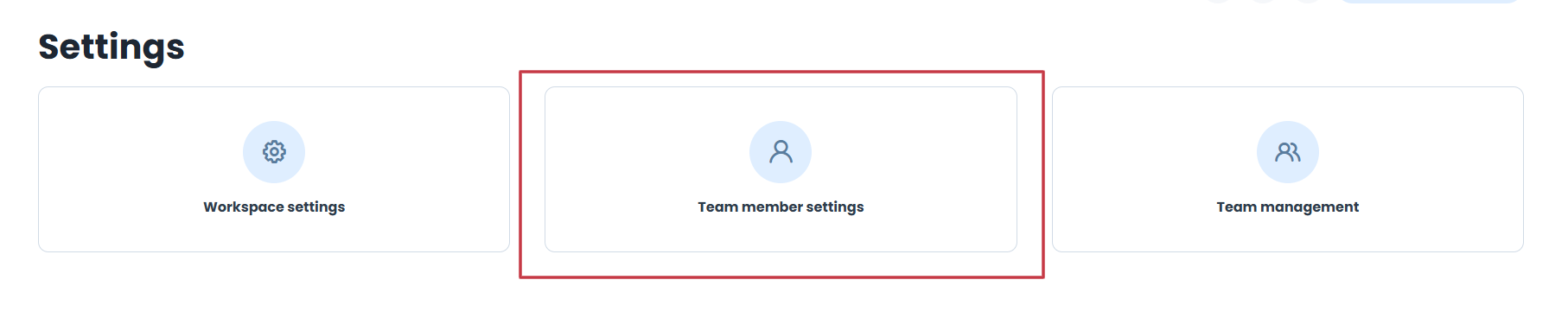
Go to “Settings” → “Team member settings”.
Choose “Language & time zone” from the menu on the left.
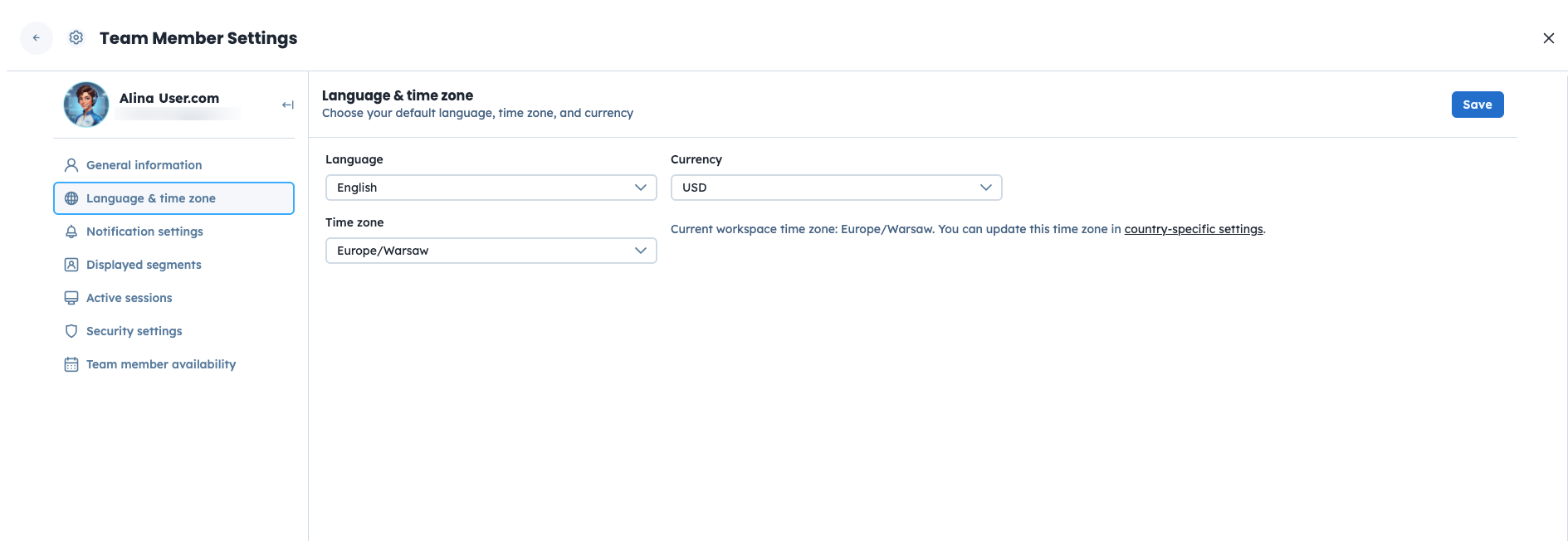
Choose the language you want to use from the list.
Save your changes.
Available languages:
English (original language of the platform)
French
German
Italian
Polish
Spanish
