Optimizing your email content helps your messages reach your contacts' main inbox instead of their spam folder. Mailbox providers like Gmail and Outlook scan your text, links, and layout to determine whether your emails are safe and relevant. Follow this guide to build clean, effective emails that improve deliverability and boost engagement.
Learn more in our “What is Email Deliverability” guide.
Balance text and visual elements so automated content scanners approve your email layout.
Design your email body so that at least two-thirds (66%) consists of text and one-third (33%) consists of images. Make sure every message includes at least 500 characters of visible HTML text to prevent spam filters from penalizing image-heavy designs.
Host your images on a web server and link to them instead of attaching files directly. Attached files increase your spam risk. You can store your images in “Studio” → “Media library” section of Positive User.
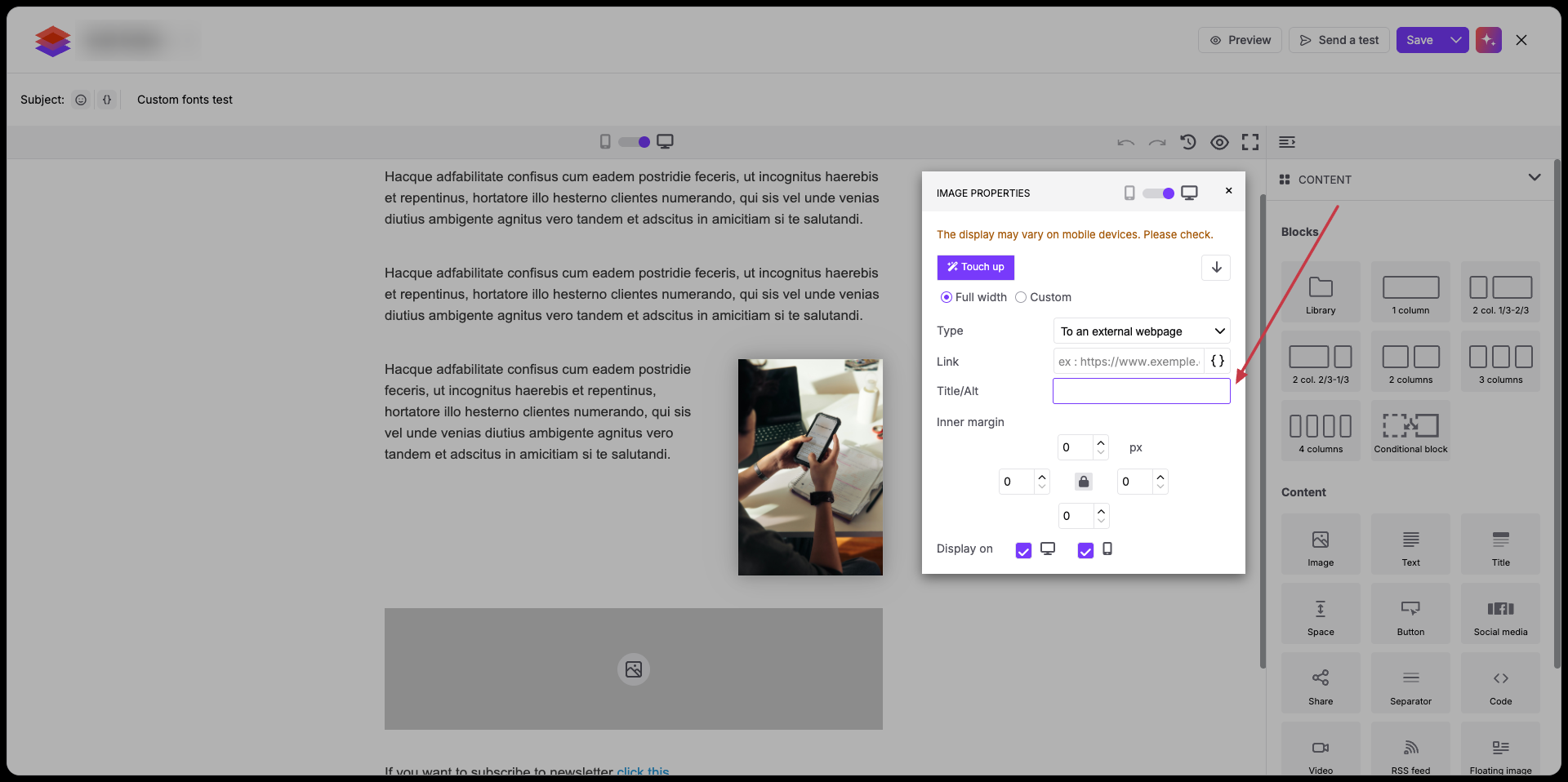
Add alt text to every image so your contacts and screen readers can understand the content if images do not load by default.
Keep your template code lightweight so email clients do not clip your content.
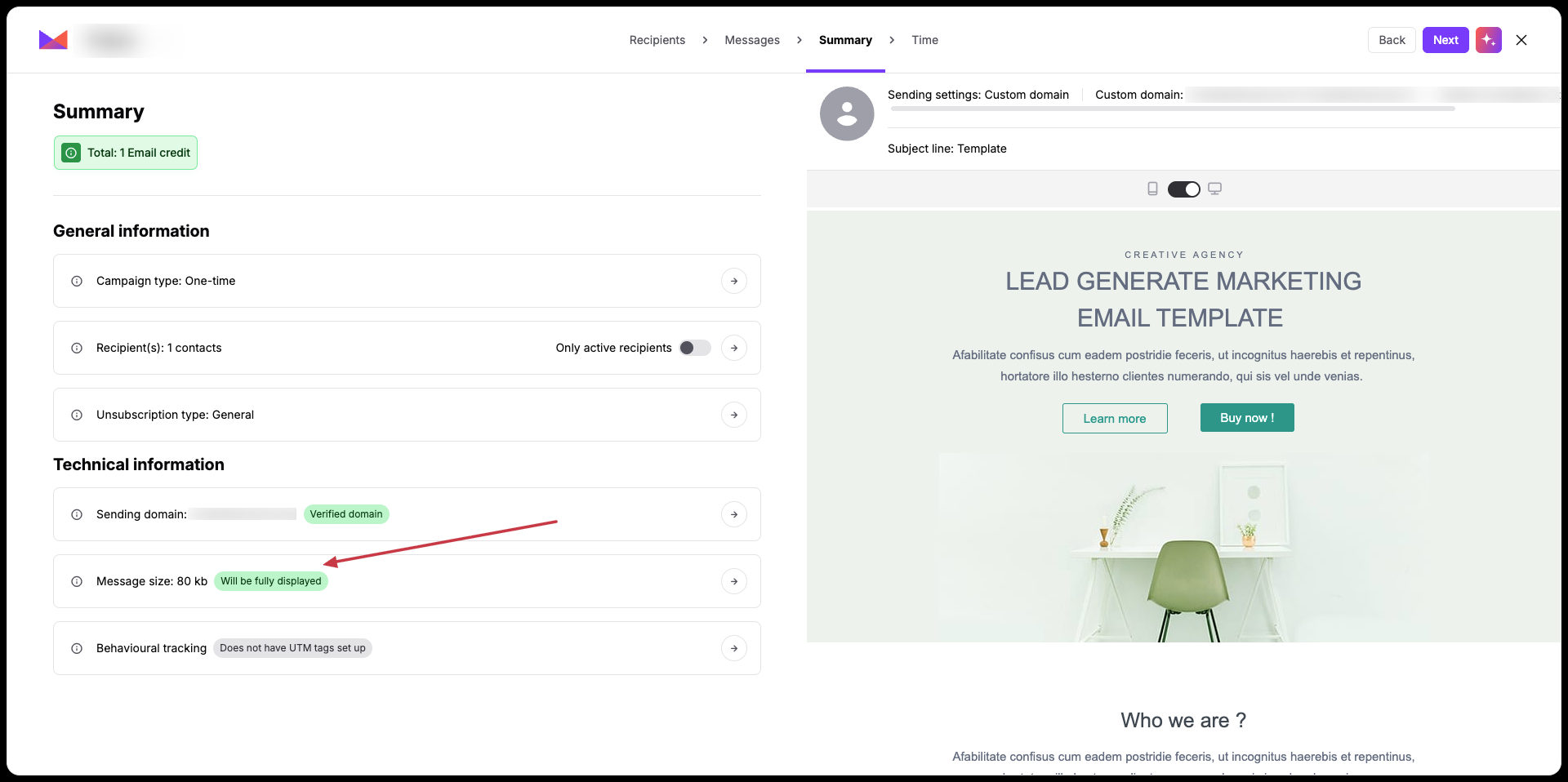
Keep your total raw HTML size under 102 KB, excluding hosted images. Clean up redundant inline CSS and avoid pasting formatted text directly from word processors.
Follow useful tips from “How to Optimize Email Size for Better Deliverability”.
While creating an email campaign you can find the message size at the “Summary” stage.
Use safe destination links so receiving servers trust your campaign links.
Hyperlink descriptive text like "visit our website" instead of writing out full web addresses (like https://example.com). Displaying raw web addresses increases the chance of being flagged as phishing.
Build credibility with inbox filters by using verified sender details and clean language.
Send your messages from an address on your verified domain. Never use free webmail services like Gmail or Yahoo as your sending address.
More about domain configuration:
Avoid ALL CAPS, repeated exclamation points, and urgent claims like "ACT NOW!" or "100% free". Write clear, natural headlines that accurately describe your message.
More suggestions about subject lines in “Tips for a Good Subject Line for Better Email Deliverability”.
Provide alternative formats so contacts can read your content on any device.
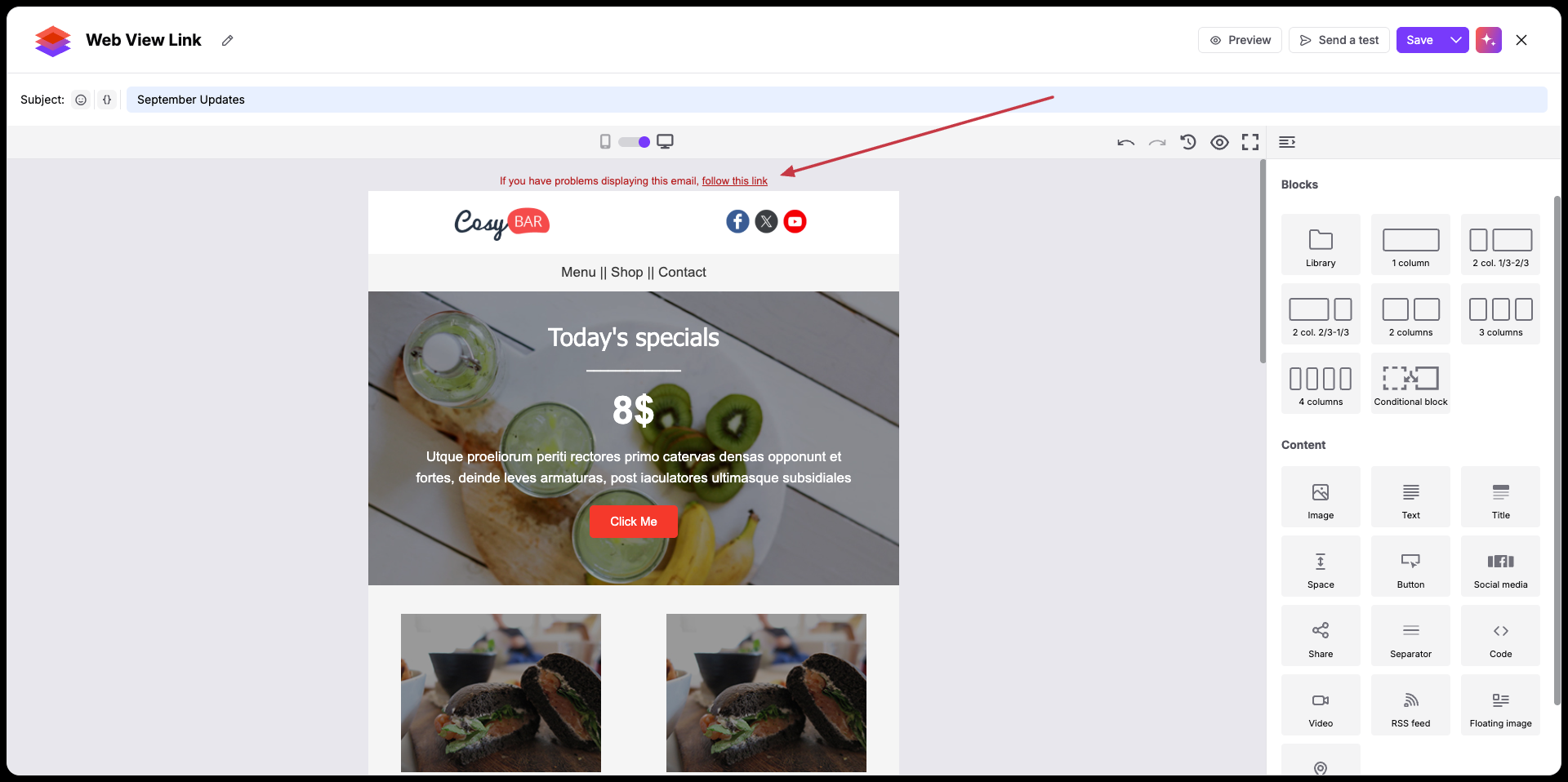
Include a "View in browser" link near the top of your email template so contacts can view the message in a web browser if their email client displays it incorrectly.
Follow the steps from “How to Add "Browser Preview" to the Email Message”.
Make opting out simple so contacts choose to unsubscribe rather than report your email as spam.
Include an easy-to-find unsubscribe link in both your email header and footer. A transparent unsubscribe experience keeps spam complaints well below enforcement thresholds, satisfies legal requirements like CAN-SPAM and GDPR, and ensures your contact list stays clean with people who genuinely want your content.
Display a valid postal address in your email footer to satisfy legal requirements such as GDPR and CAN-SPAM.
