A product helps you store and manage essential information about your catalog items in a structured and accessible way. It represents a specific item that contacts interact with throughout their customer journey, from viewing a page to adding an item to their cart or making a purchase.
In Positive User, products connect your e-commerce inventory with contact behavior, deals, segments, and campaigns. This makes it easier for you to personalize communication, trigger relevant automations, and keep your marketing aligned with your actual stock and pricing.
A product in Positive User represents a single item in your catalog. It is designed to show you the most current information (like today's price or availability) rather than a history of past changes. This streamlined approach allows our system to effortlessly process millions of updates a month.
Because we only save the latest details, be sure to create a separate product for every variation of an item (like different sizes or colors). This ensures you can track your inventory perfectly.
Every product has its own profile within the “Data” → “Products” section, which gathers all relevant information about the item in one place. This organized view allows you to manage and analyze your catalog effectively.
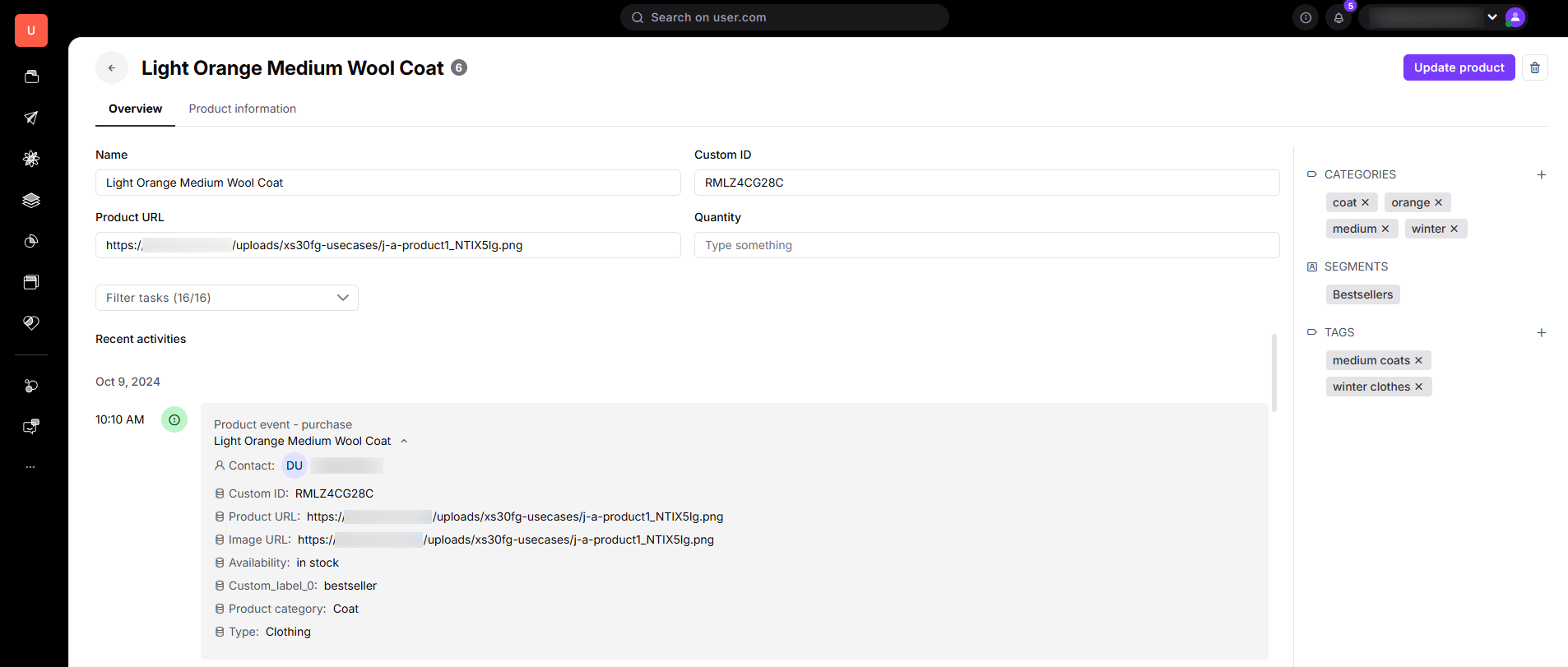
The middle section is divided into 2 sections:
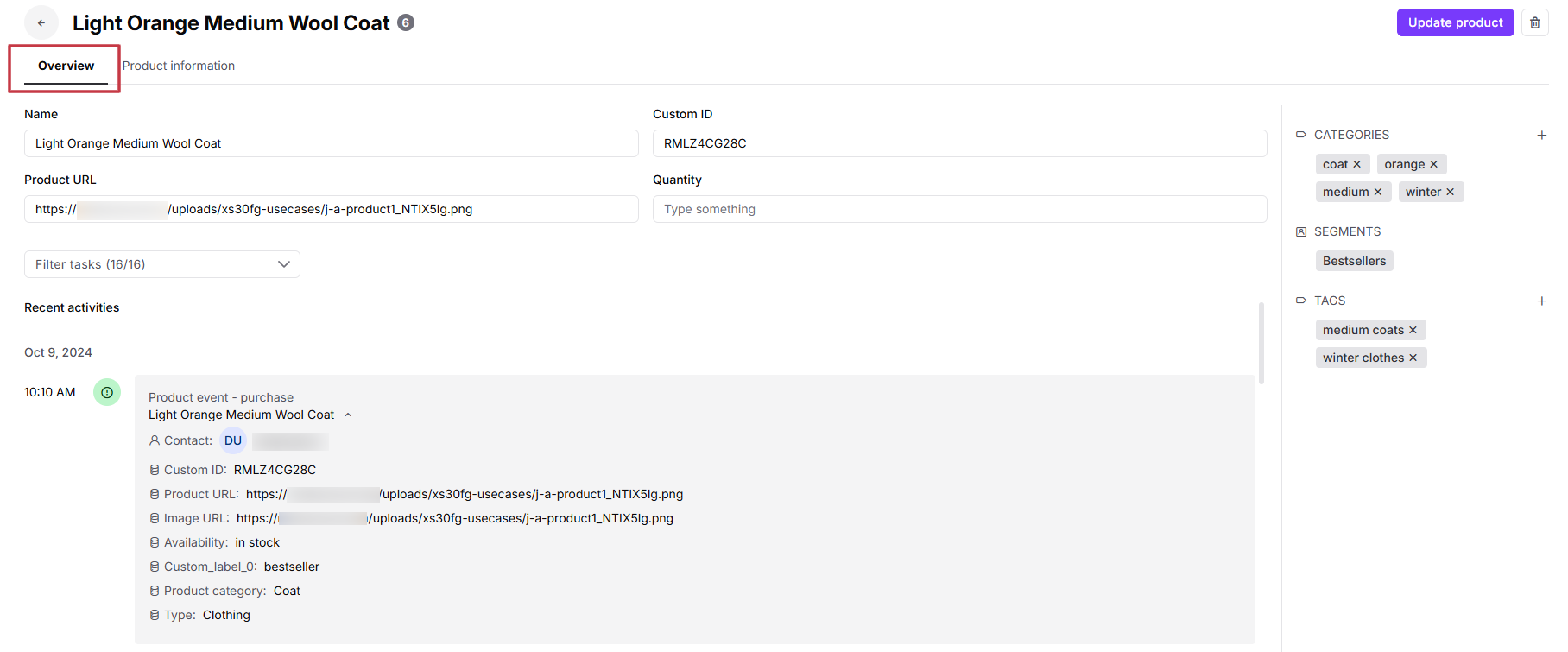
Overview - here you will find basic information about the product, such as name, custom ID, product URL, quantity and recent activities.
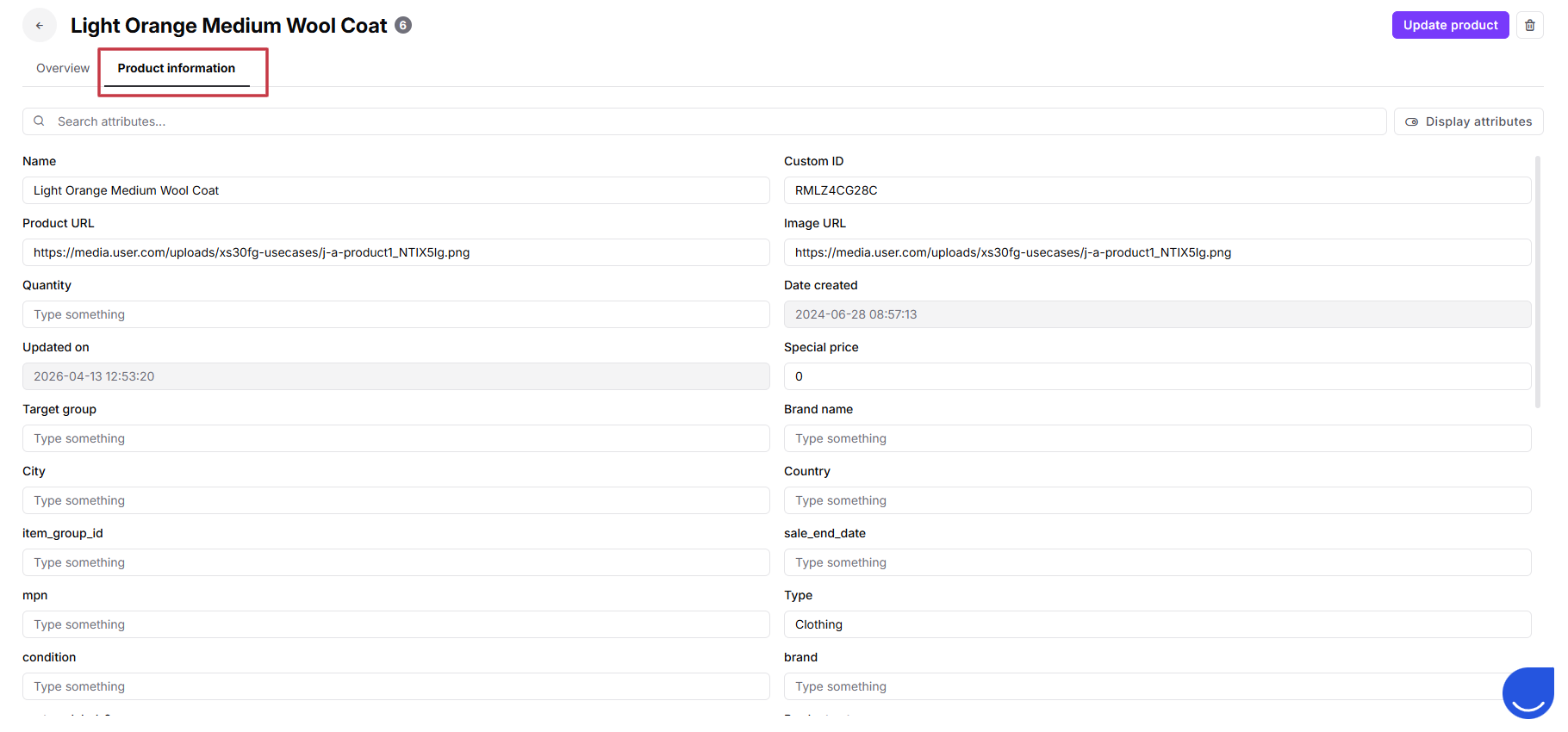
Product information - here you can search for standard or custom attributes about your product.
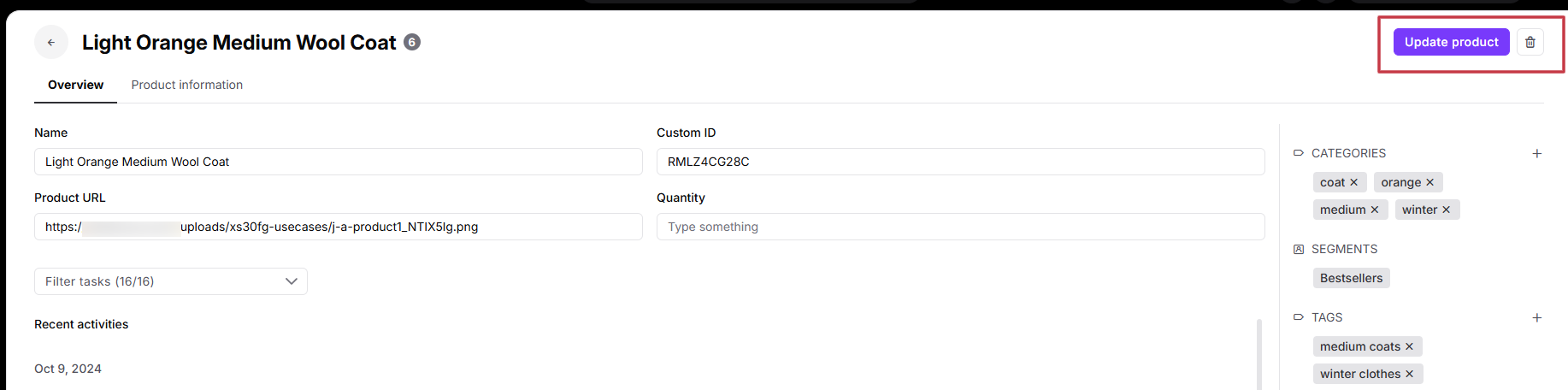
Upper section - regardless of the tab you are currently in, you can update or delete the product at any time.
On the right you can find:
CATEGORIES: A list of the categories this specific product belongs to.
SEGMENTS: A list of the segments this specific product belongs to.
TAGS: A list of tags assigned to that product.
You can add and delete all the elements connected to this specific product.
Products are a core part of the Positive User data ecosystem and are closely connected to other objects in the platform. These relationships ensure your automated workflows reflect real customer interactions.
Key connections include:
Contacts: Products are linked to contacts through product events. This allows you to filter the "Contacts" section based on who viewed, carted, or purchased specific items.
Deals: Products can be linked to deals (via the "order_products" attribute) to associate specific items, quantities, and pricing with a sales opportunity.
Product Events: These track specific contact interactions with products.
To exist in the system, every product strictly requires a “Name” and a “Custom id”. You can expand on this by creating custom attributes (like "Material" or "Brand") tailored to your business needs.
You can create and update products in the following ways:
Automatically via Feeds: Connecting a product feed (like Google Merchant Product aligned .xml files) that synchronizes daily.
Bulk Import: Uploading a CSV/XLSX file to upload all products at once.
Manually: Create single products right in the “Data” → “Products” section.
For detailed instructions, see the dedicated “How to Create a Product” article.
Configuring attributes with the correct data type is essential for seamless data handling and preventing errors in dynamic content. Positive User supports various data types to suit your needs:
Boolean: True/false values, such as “Is bestseller”.
String: Short text, like names or URLs (Max 256 Characters).
Integer / Floating-point Number: Numerical values, such as “Stock Quantity” (Integer) or “Price” (Floating-point).
Date / Datetime: Timestamps for events like “Promotion Start Date”.
JSON: Complex, structured data like “Price by POS”.
Learn more about attributes with “How to Create a Custom Attribute” article.
Products are essential whenever you need to connect your catalog data to customer behavior for targeted marketing, sales tracking, and personalization.
Automated E-commerce Campaigns: Automatically trigger highly personalized workflows based on product events. For example, if a contact triggers an "add to cart" event but doesn't complete the purchase, you can send an abandoned cart email featuring the exact image, name, and current price of the product they left behind.
B2B Sales & Quoting (Products + Deals): You can link specific products directly to a Deal profile. For example, when negotiating a wholesale contract, your sales rep can attach multiple products to the deal, specifying custom quantities and negotiated prices. This allows you to forecast revenue accurately and automatically pull the structured product data (via dynamic snippets) into a formal quote email sent to the client. Learn more about this use case here.
Dynamic Segmentation: Group contacts or items based on shared characteristics. You can save dynamic product segments (e.g., "Available products" or "Products on sale") to ensure your recommendation engines only suggest items that are currently in stock and discounted.
Behavioral Targeting: Use filters in the “Contacts” section to find contacts based on specific product events. For instance, you can identify all customers who viewed products in the "Winter Jackets" category more than three times, but haven't made a purchase, and target them with a specific SMS campaign.
